Your products are on for every printer and every kitchen display by default. Sometimes you don't want that: drinks don't belong on the cold buffet, and soup doesn't belong at the bar. Instead of opening each product separately, you switch them off together from the product overview.
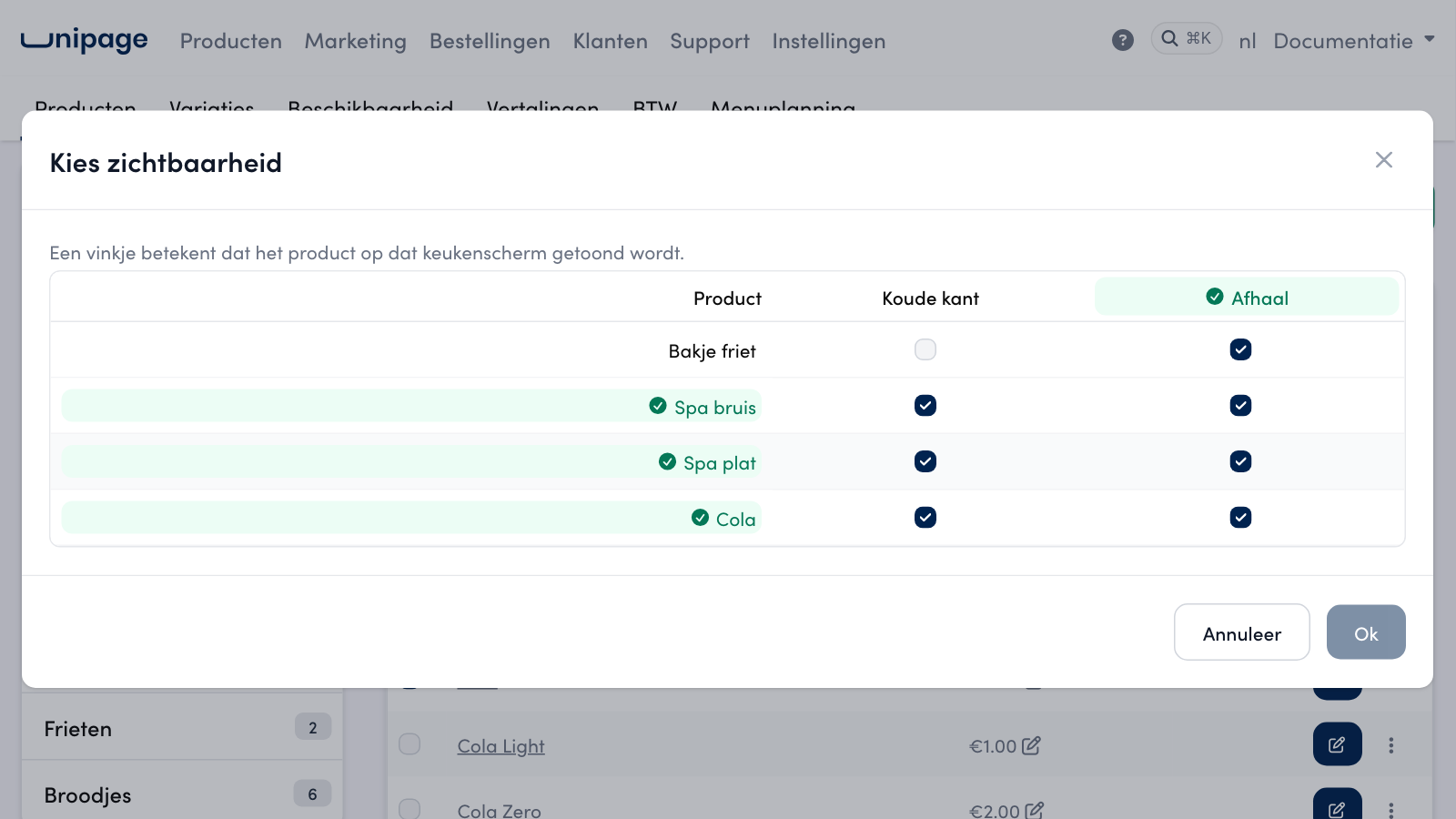
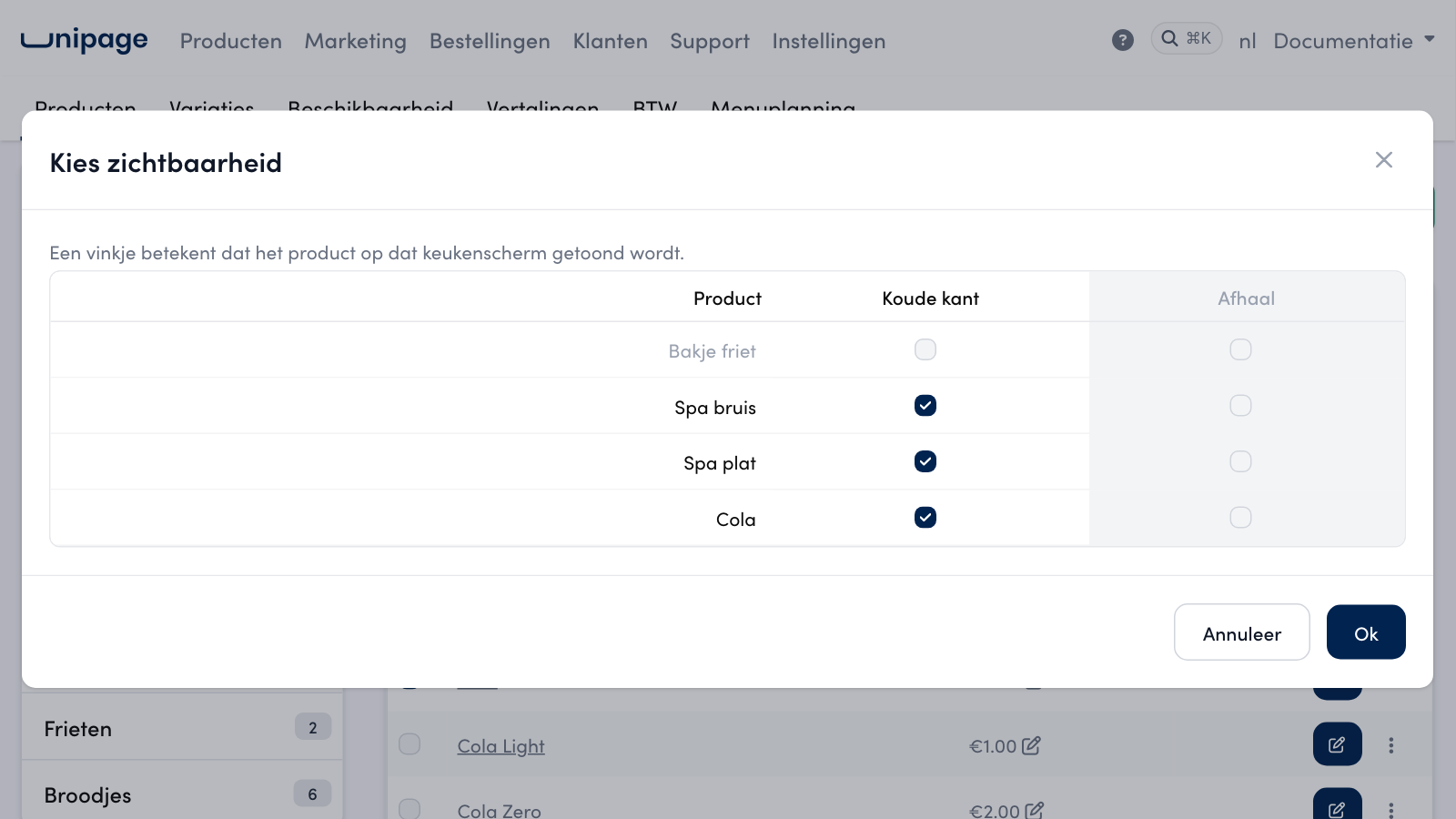
The Choose visibility (Kies zichtbaarheid) window shows the products you have ticked as rows, and your printers or kitchen displays as columns. A tick means the product is shown or printed there.
Preparation#
The columns come from your printers and kitchen displays. Set these up first under Settings > Printer and Settings > Kitchen displays. If you have several businesses, you see the printers and displays of all your businesses. The name of the business is shown under the column.
How it works#
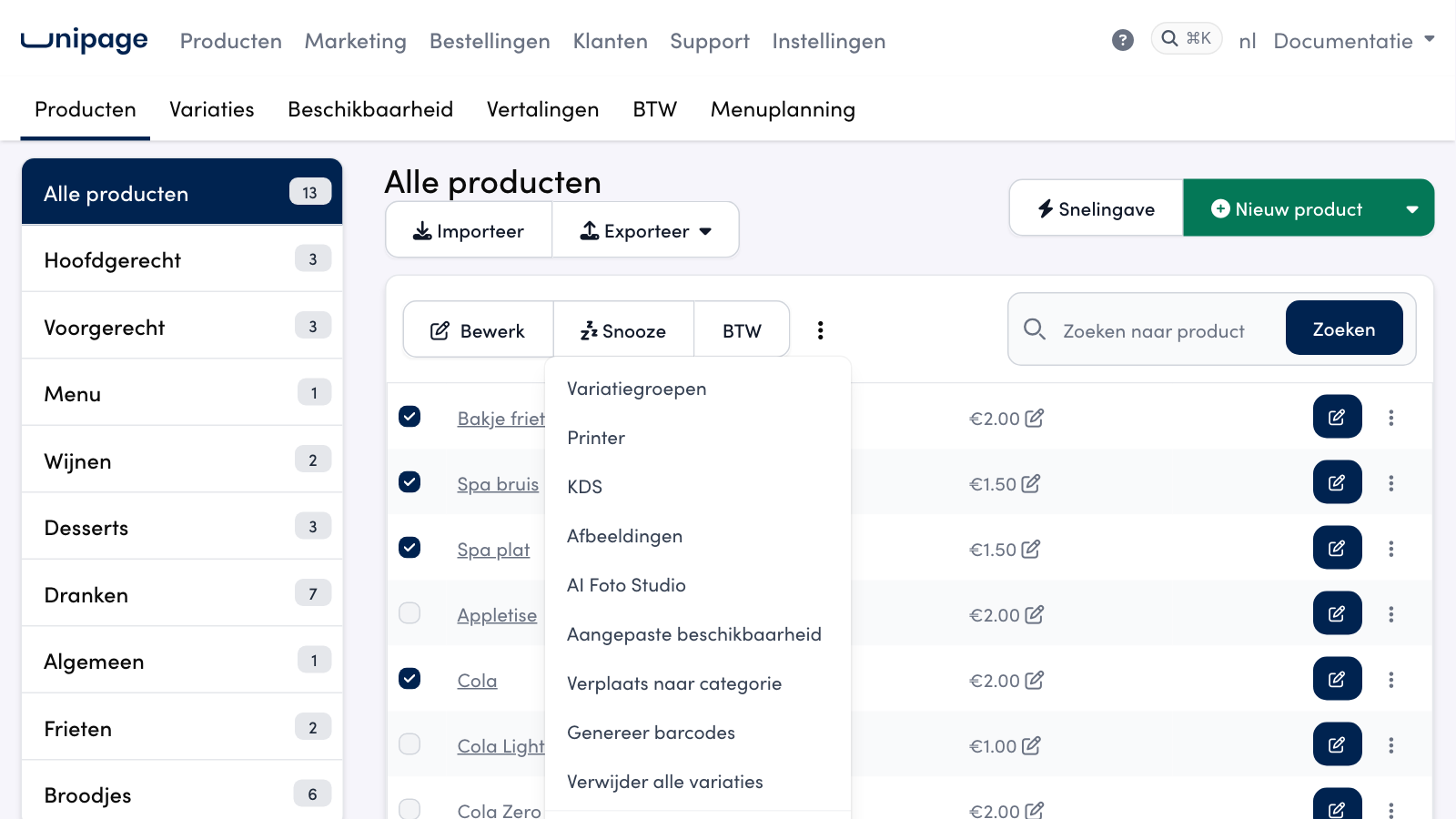
Open Products > All products.
Tick the products you want to change together.
Click the three dots next to VAT and choose Printer or KDS (your kitchen displays).
Set the boxes as you want them. Click the name of a printer or kitchen display to switch the whole column on or off in one go, or click the name of a product to change that row.
Click Ok.
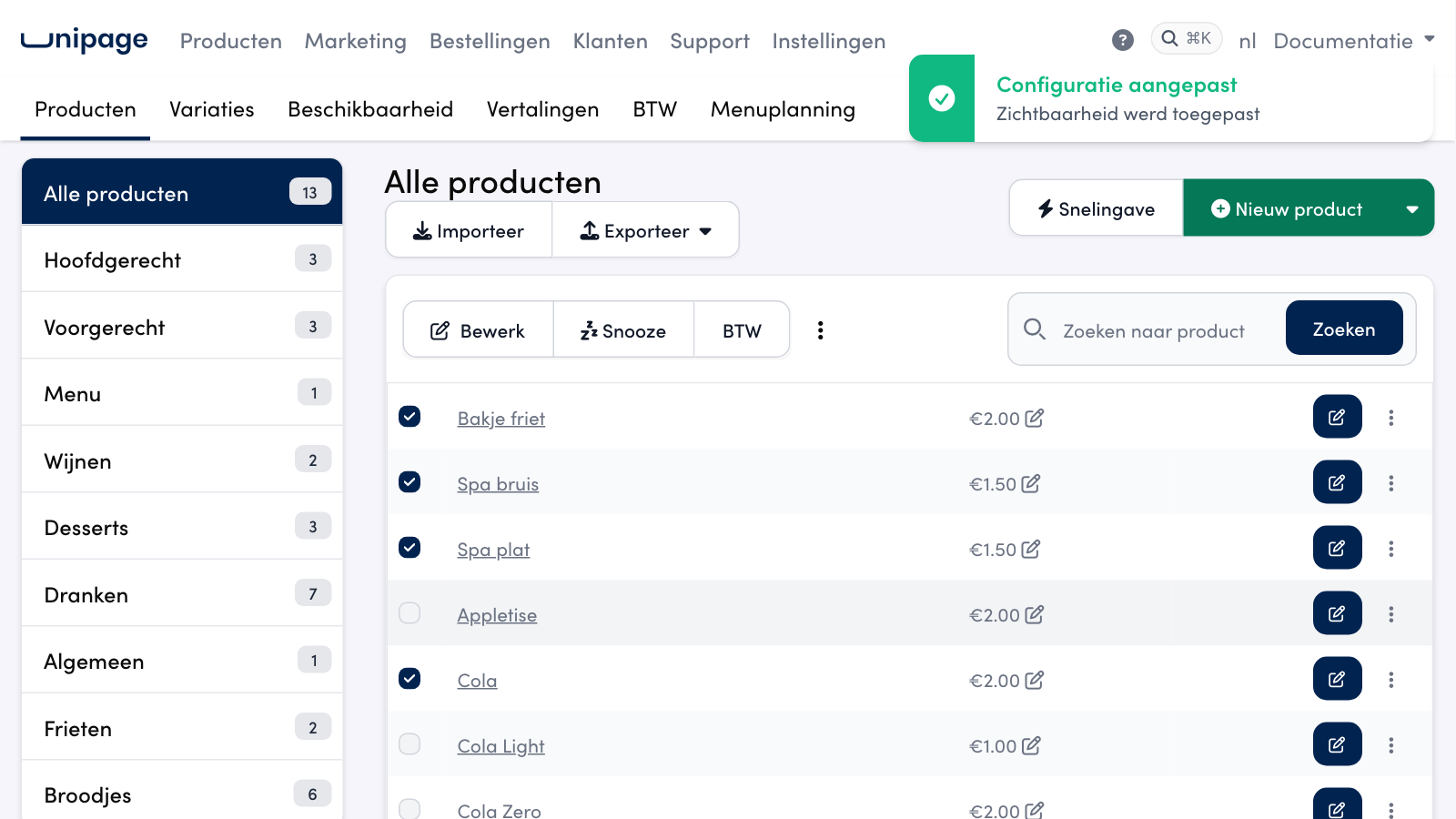
You immediately see the status that is saved: a product you hid earlier has no tick. Only the boxes you change are saved. The other products and the other printers or displays stay as they were.
Tip
A row or column that is fully ticked gets a green tick. This way you can see at a glance whether a product is on everywhere.
Also in the product editor#
If you open a single product in the product editor, the settings for the printers and displays of your other businesses are kept. An exception you set here is therefore not lost if you edit the product again later.
Frequently asked questions
The product still shows on a kitchen display. Why is that?
In the product overview, click the three dots next to that product and choose KDS or Printers. There you see, per kitchen display or printer, whether the product is shown. If the tick is on, the product is visible there.
I removed a printer. Does the product still show up there?
No. A printer or kitchen display that you remove no longer receives tickets or products. The old setting stays in the product, but it no longer has any effect.
Does this also apply to the webshop?
No. These settings are about printing and the kitchen display. Whether a product is in the webshop is controlled by the product's availability.