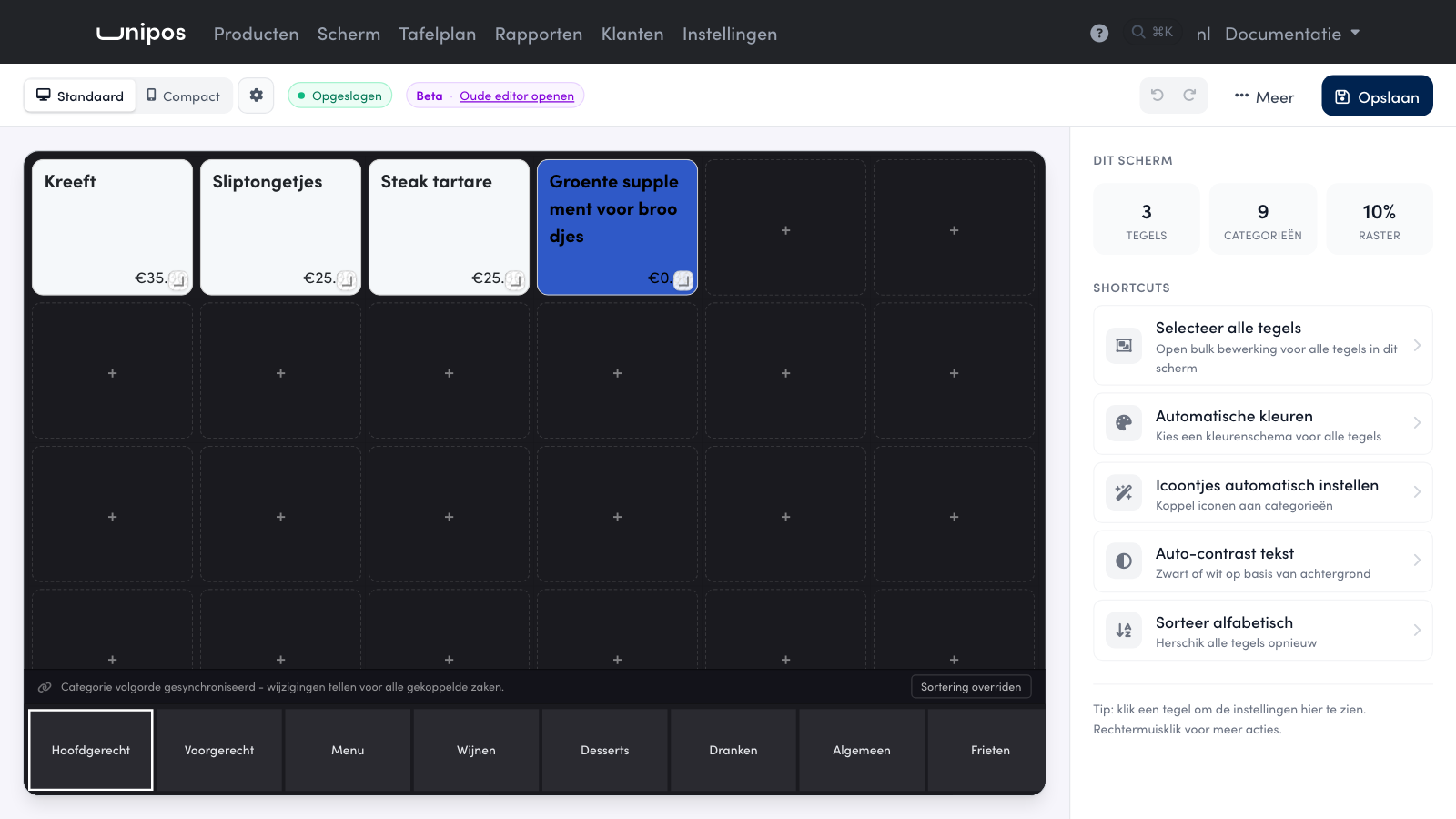
On a till screen, a long product name is often broken in the middle of a word. With Tekstterugloop (text wrapping) you choose how the text breaks: anywhere, or only between words.
Setting it up#
You set the wrapping per tile.
In the management page, click Scherm in the navigation bar.
At the bottom, click the category the tile is in, for example Hoofdgerecht.
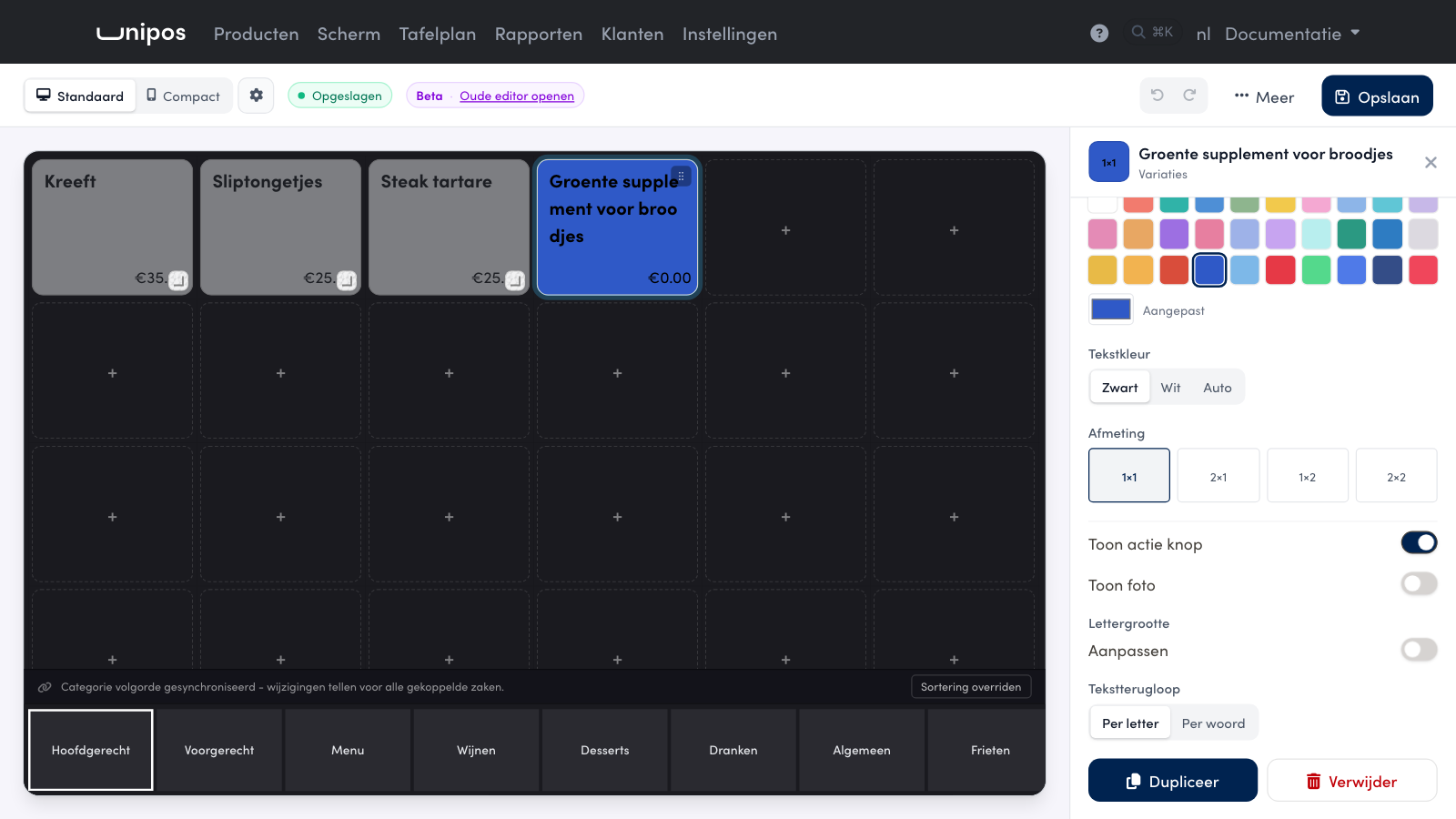
Click the tile. Its settings open on the right.
Find Tekstterugloop in the right-hand column.
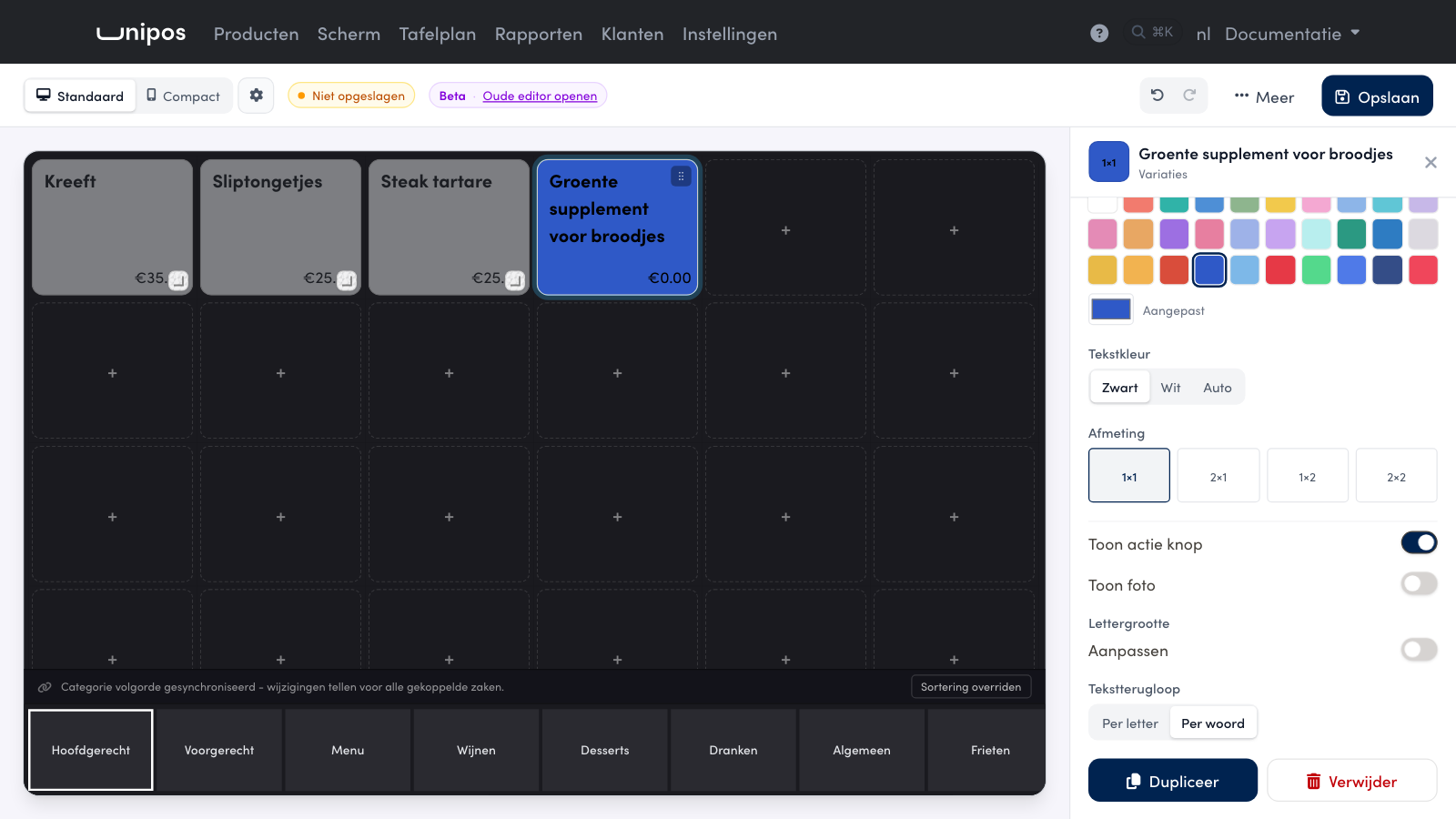
Choose Per letter (by letter) or Per woord (by word).
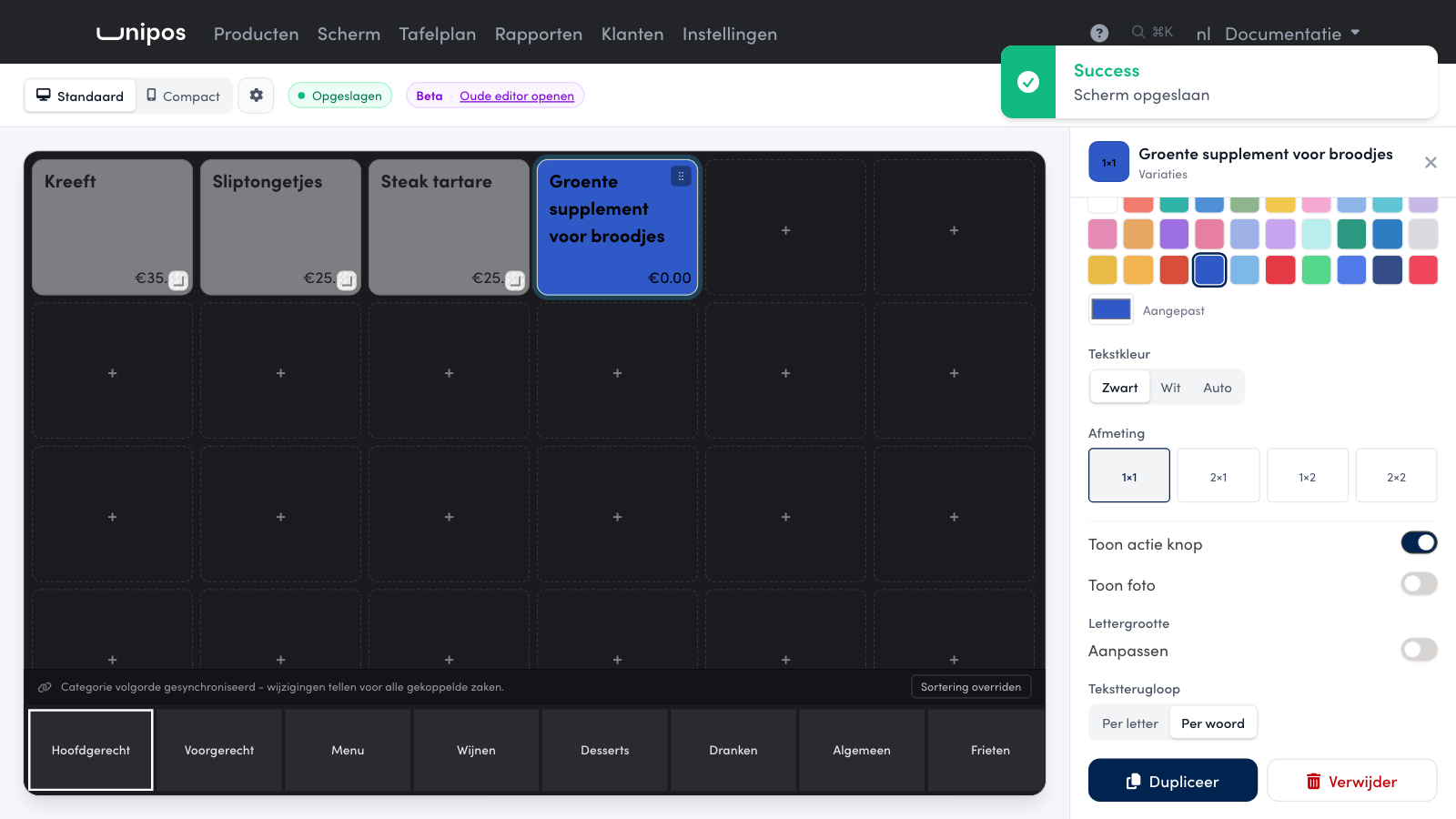
Click Save at the top.
Per letter: the text breaks anywhere, also in the middle of a word. This is how your tiles worked until now, and it fits the most text on a small tile.
Per woord: every word stays whole as long as it fits on the tile. If a single word does not fit on its own, the till breaks it anyway, so text never runs off the tile.
Tip
A word does not fit on the tile, even with Per woord? Make the Lettergrootte (font size) smaller or the tile wider under Afmeting (size). Wrapping does not solve that, a smaller font or a bigger tile does.
Frequently asked questions
Does the setting apply per product or per tile?
Per tile. If the same product is on two screens, you set the wrapping on each screen separately.
Does the text change on my till too?
Yes. After Save, Unipos PLUS uses the new wrapping on that screen. A till that does not know the setting yet breaks the text as before; update that till.
Can I go back to the old look?
Yes. Choose Per letter. The text then breaks anywhere again, also in the middle of a word.