If your business tracks stock, Unipos PLUS can show on a product tile how many items are left. A tile can also refuse a product as soon as the stock is at 0. How to turn this on per tile in the management page is explained in Stock on the POS tiles. This article covers what happens at the till.
The counter#
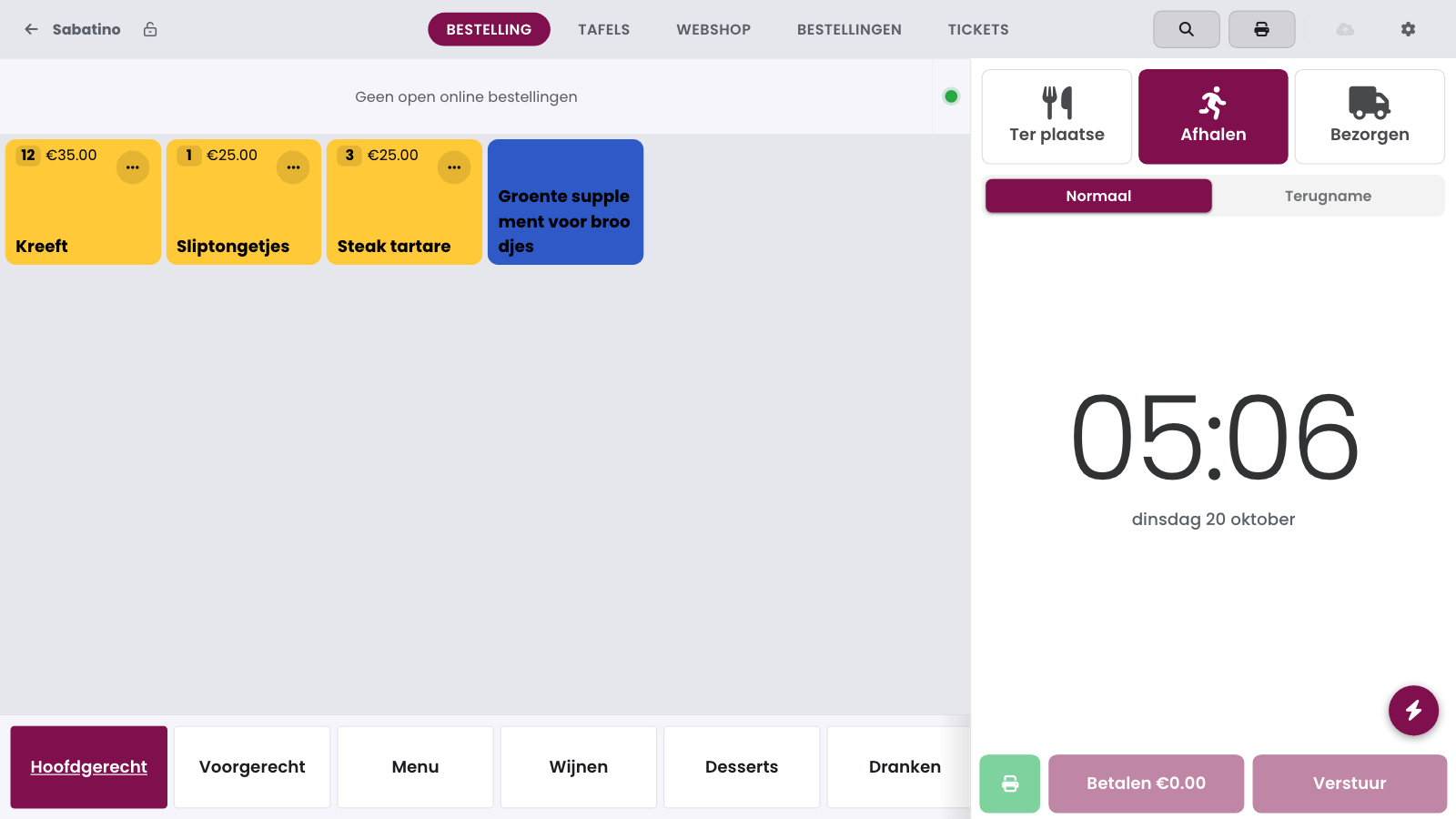
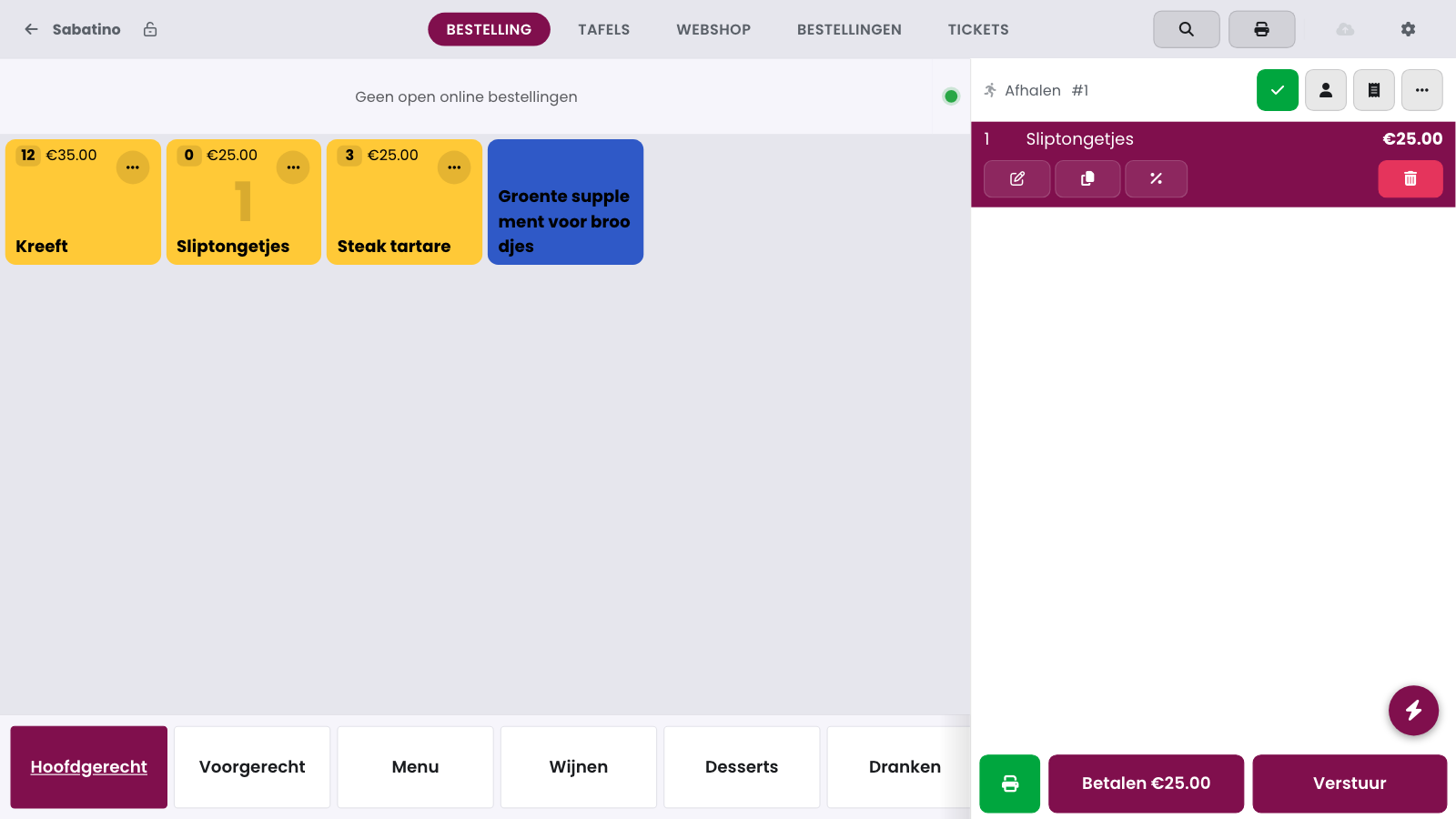
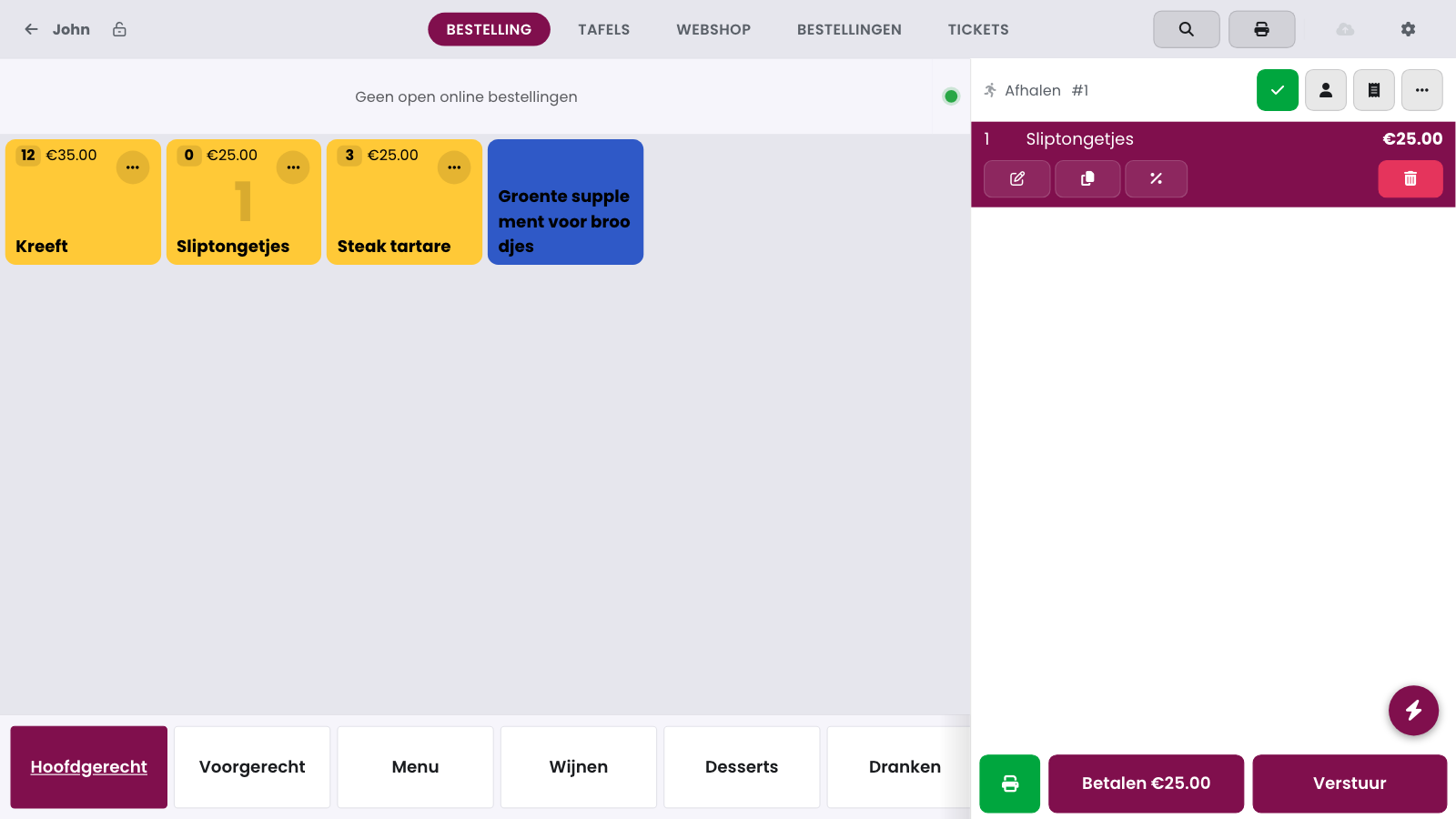
The counter sits left of the price on the tile. The till subtracts what is already in the order from the stock, including lines you already sent to the kitchen. So the counter drops as soon as you ring something up. If you look up a product with the search button, you see the same counter there.
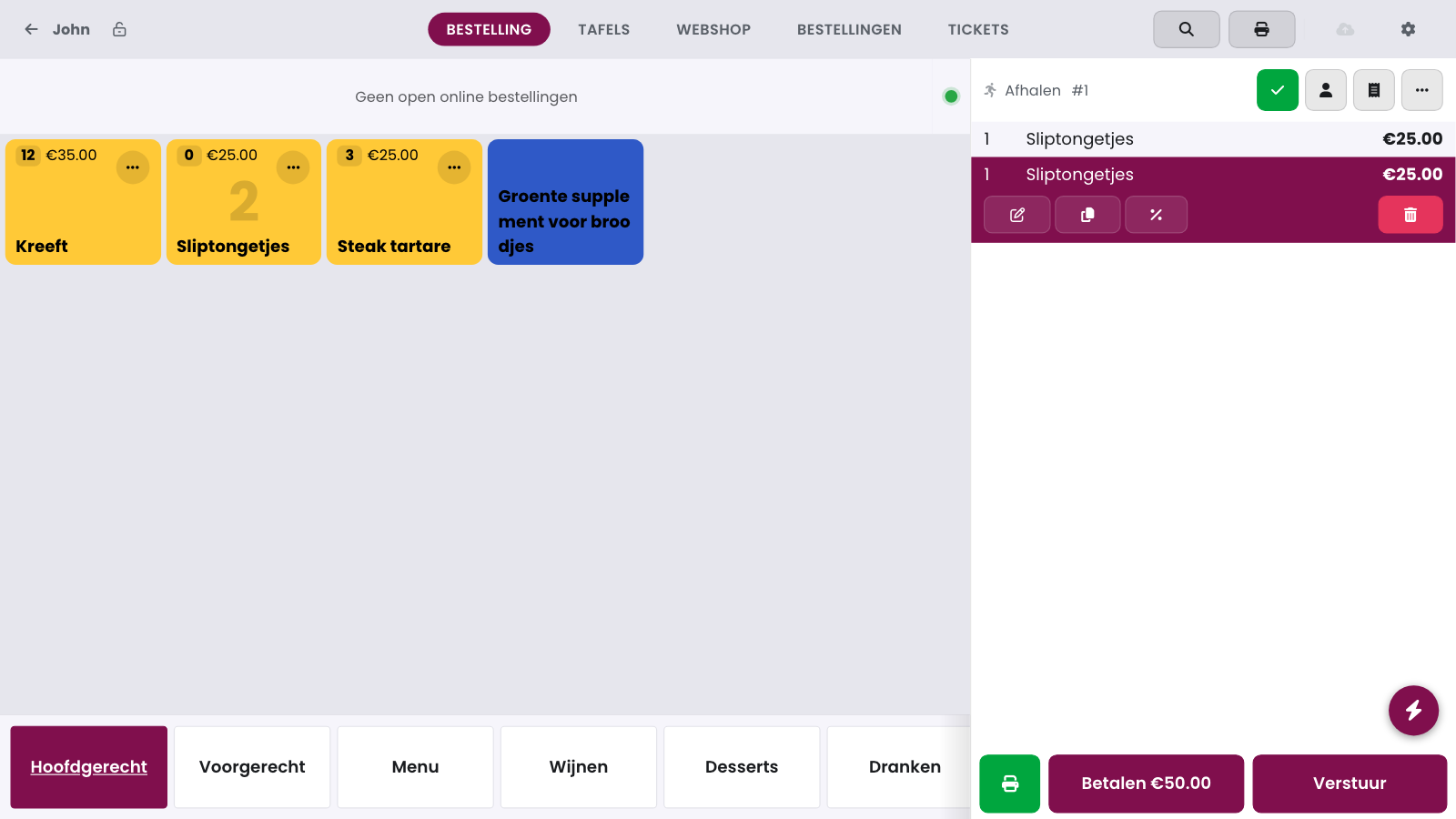
The counter never goes below 0. If the block is off, you can ring up more than there is: the counter then stays at 0.
The block at 0#
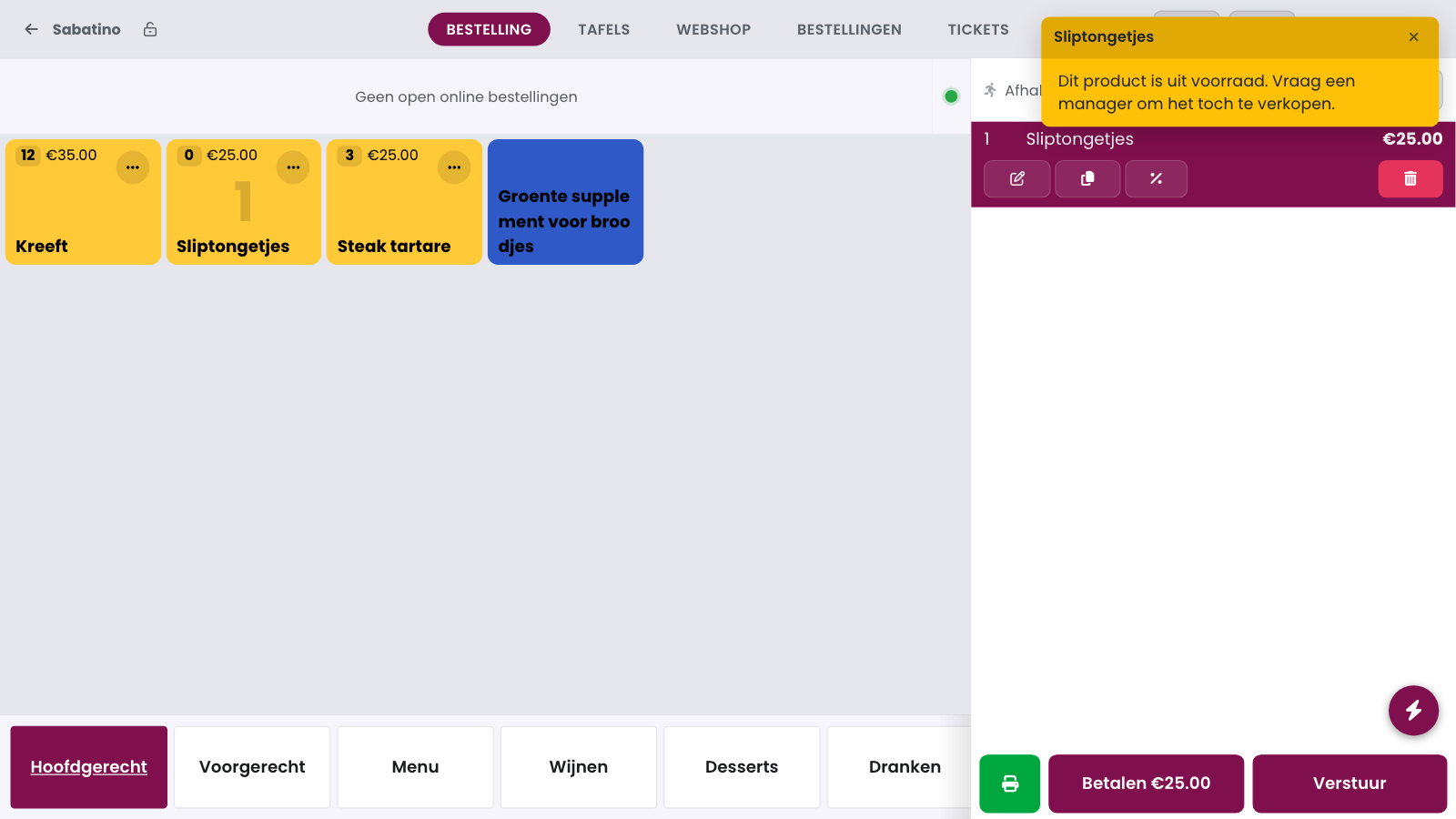
If Altijd toelaten om te bestellen (always allow ordering) is off on the tile, the till refuses the product at 0. A cashier sees the message This product is out of stock. Ask a manager to sell it anyway. Nothing is added to the order.
Selling a sold-out product anyway#
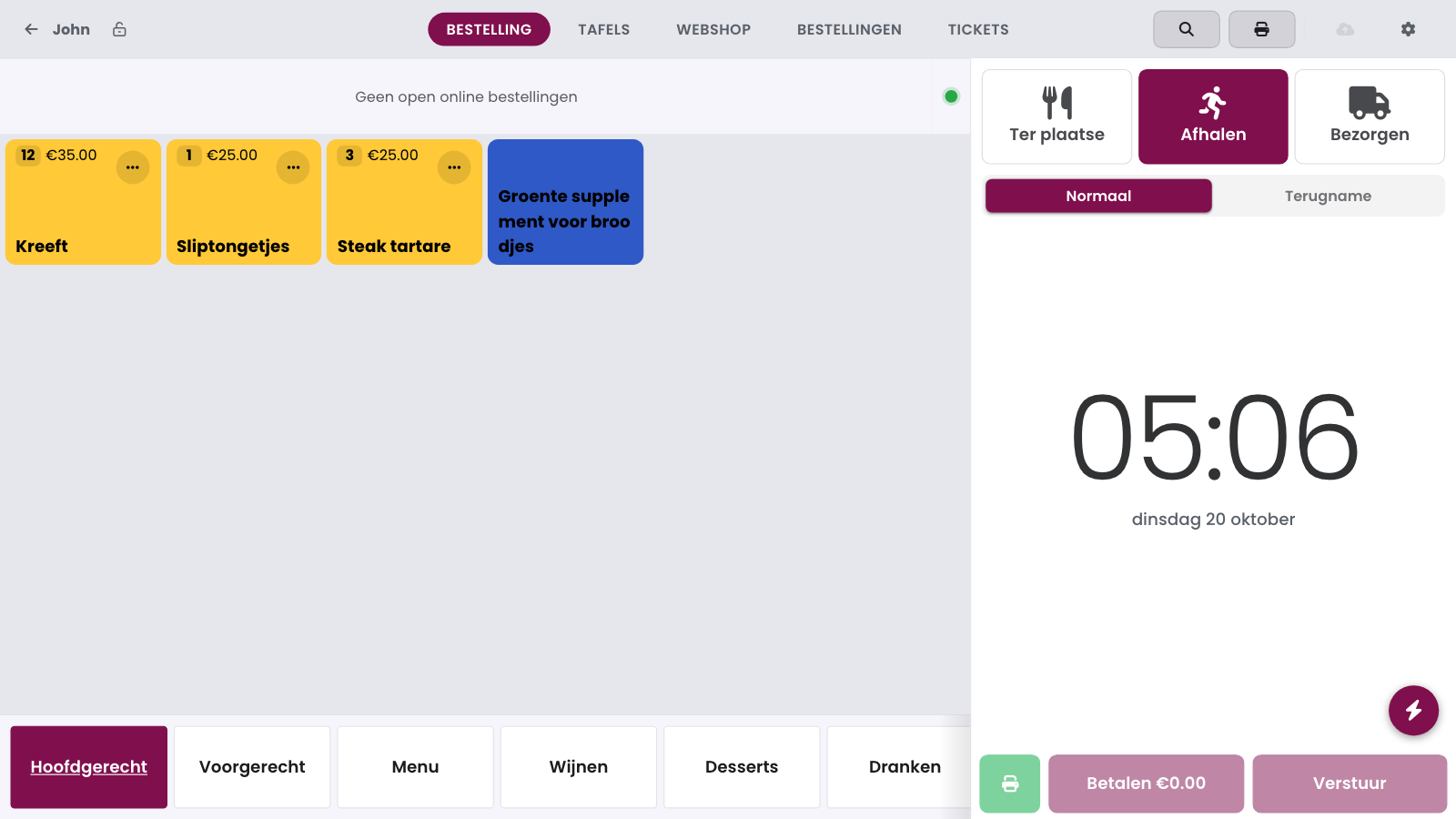
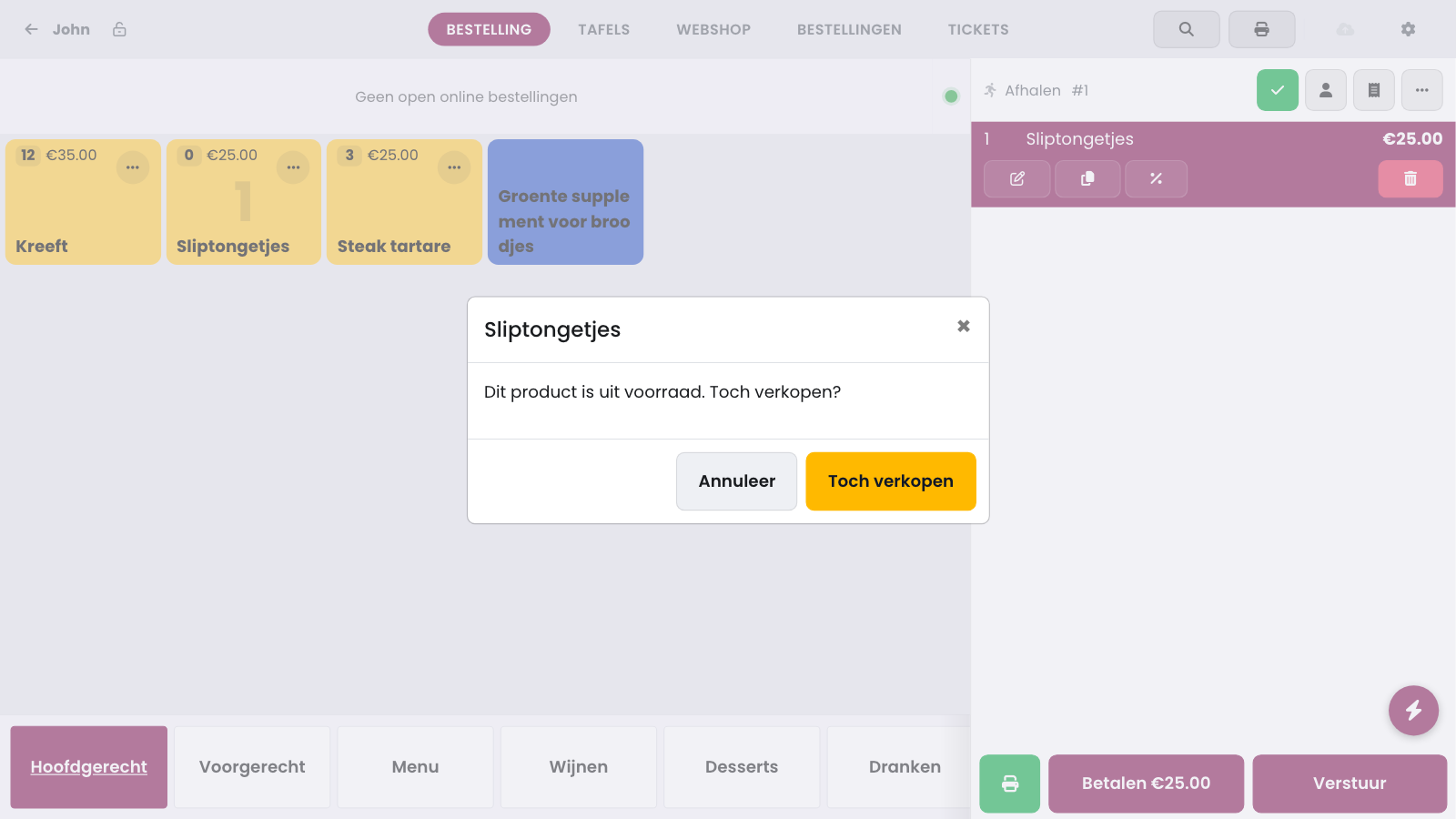
A team member with the admin role, or with the permission Mag uitverkochte producten toch aanslaan (may ring up sold-out products), gets a question instead of a refusal: This product is out of stock. Sell it anyway? Tap Sell anyway and the product is added to the order. With Cancel nothing happens. How to give a team member that permission is explained in Stock on the POS tiles.
On a refund (Refund instead of Normal) the till never blocks, not even at 0.
Warning
The counter is a guide, not a reservation. Two tills can both sell the last item. The cloud corrects the stock afterwards.
Frequently asked questions
Why does the counter jump back for a moment after paying?
The till waits for the cloud. As soon as the sale arrives there, the counter drops again. That normally takes only a moment.
Does the till block the product on every screen?
No. The block belongs to the tile. If Altijd toelaten om te bestellen is on for the screen where you search for or ring up the product, it stays orderable.
Does a refund count towards the stock?
Only once the refund arrives in the cloud. The till does not raise the counter right away.
Why do I not see a counter on a tile?
The counter is off on that tile, the product does not track stock, or the stock is still above Toon pas vanaf (aantal). Check the settings in Stock on the POS tiles.