Frequently asked questions
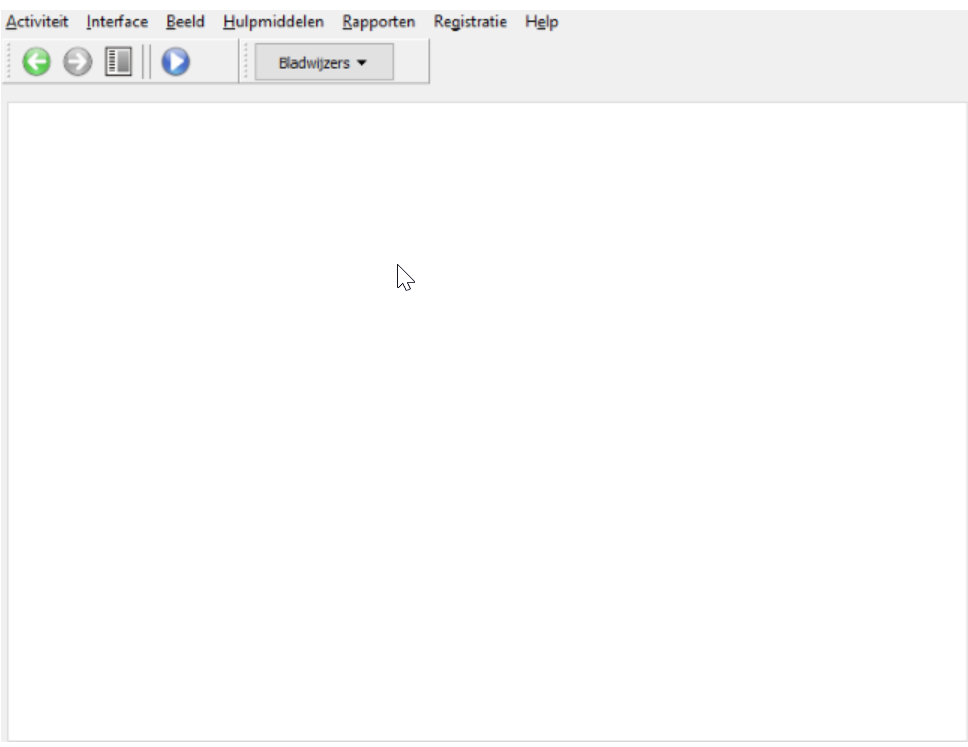
The back office is empty or white. What now?
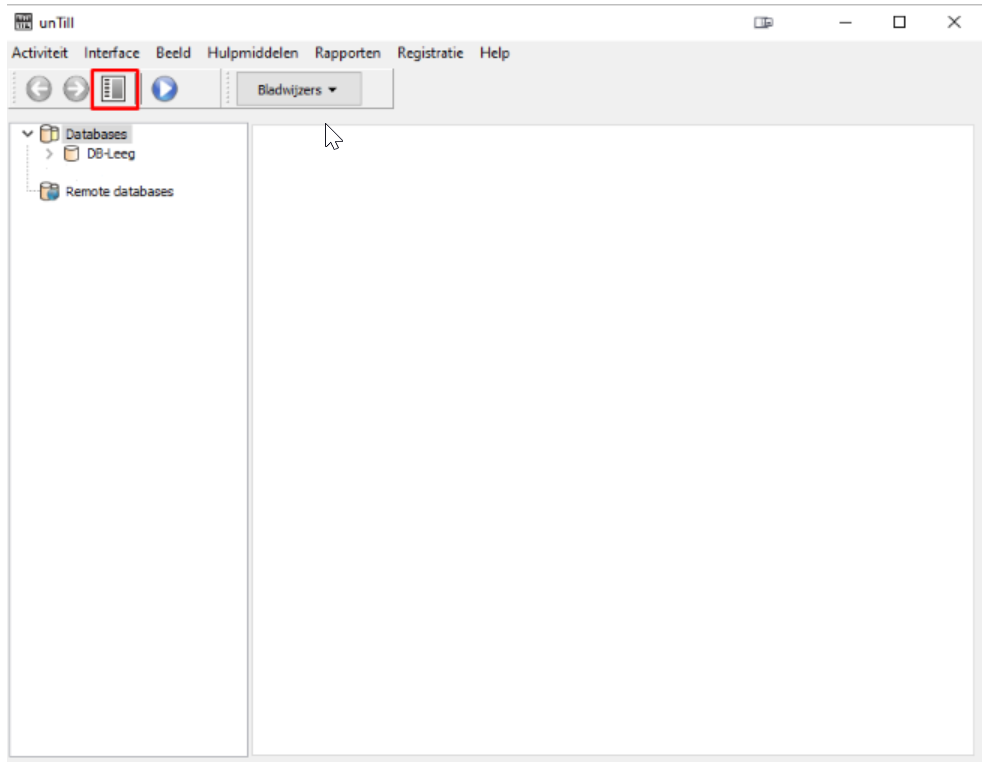
In the back office, you can hide certain sections. Sometimes this makes the database tree disappear from view. Click the tree icon in the toolbar, between the 'Forward' and 'Play' buttons. The database then appears again on the left side of the screen.
The CCV terminal is out of service. How do I activate it again?
Follow these steps to reactivate the payment terminal:
- Close the Paygear app completely.
- Open the Service App.
- Click the menu and go to the Manager menu.
- Enter the manager password 99999 and confirm with OK.
- Choose Functions, select Terminal and click Activate Terminal.
- Close the app again.
Paygear then returns to the welcome screen and the CCV terminal is active. Prefer to watch? See the instruction video on YouTube.
The screens on my POS look different from the manuals. Is that normal?
That can happen: the screens differ slightly between unTill versions. The steps and menu paths stay the same. If you still can't work it out, feel free to contact us.