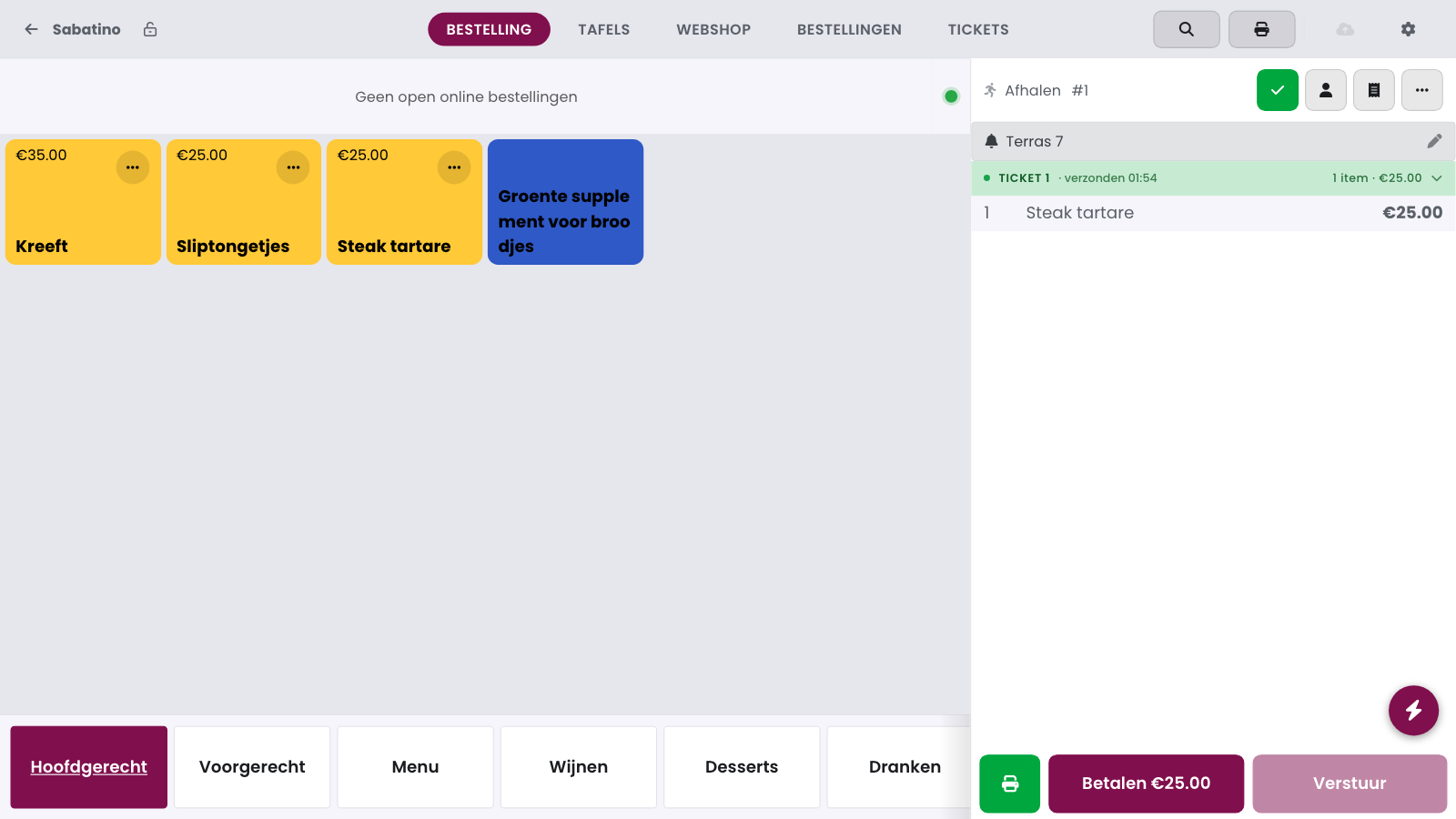
With a guest notifier you give the customer a buzzer, a coloured token or a name. The till asks for it when you send or check out a direct sale. The choice then shows above the order, on the kitchen ticket and on the kitchen display. That way you call the right customer when the order is ready.
Whether the till asks and which tiles it shows is set in the management page: see Setting up the guest notifier.
How it works#
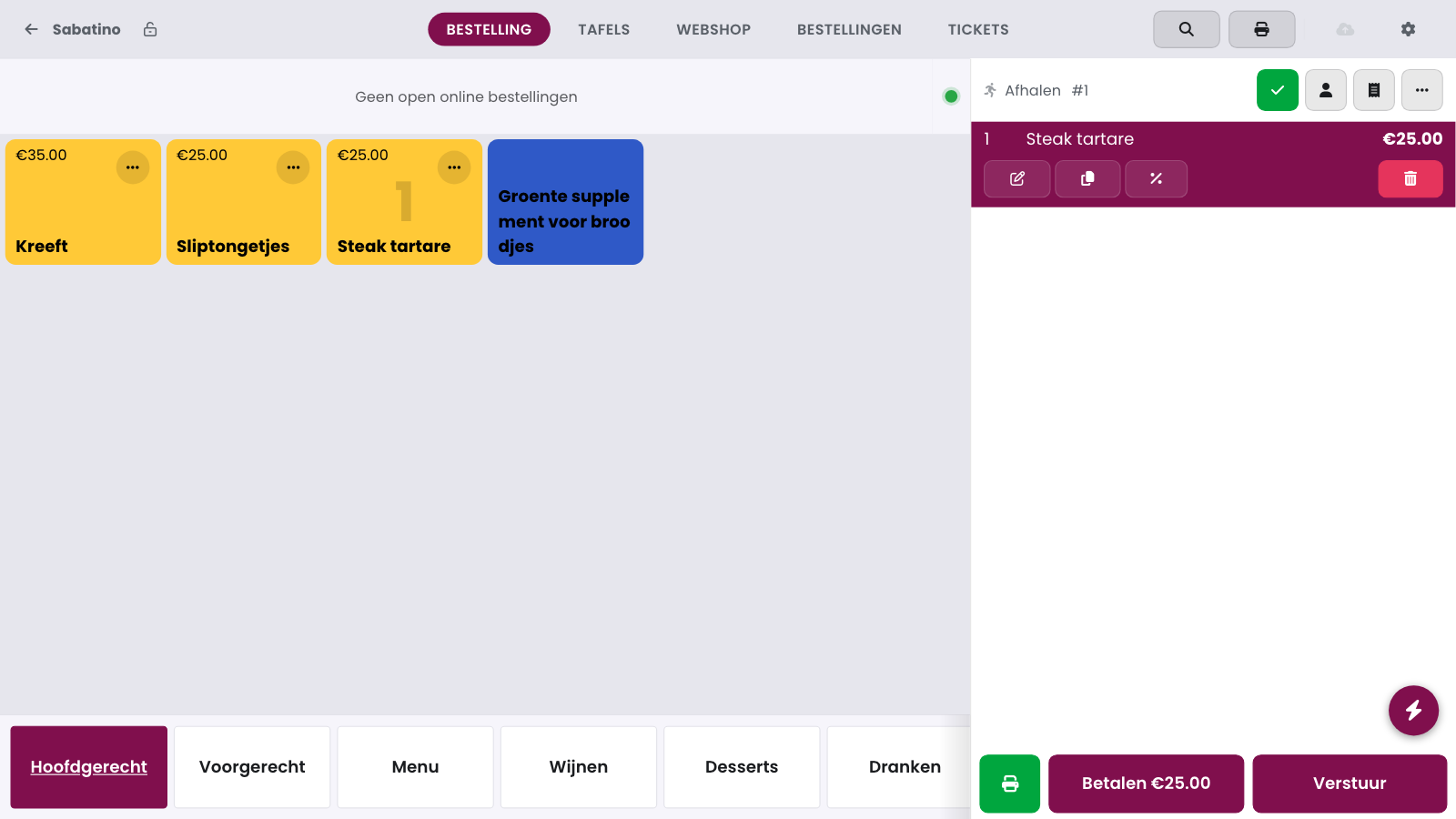
Add the products to the sales buffer.
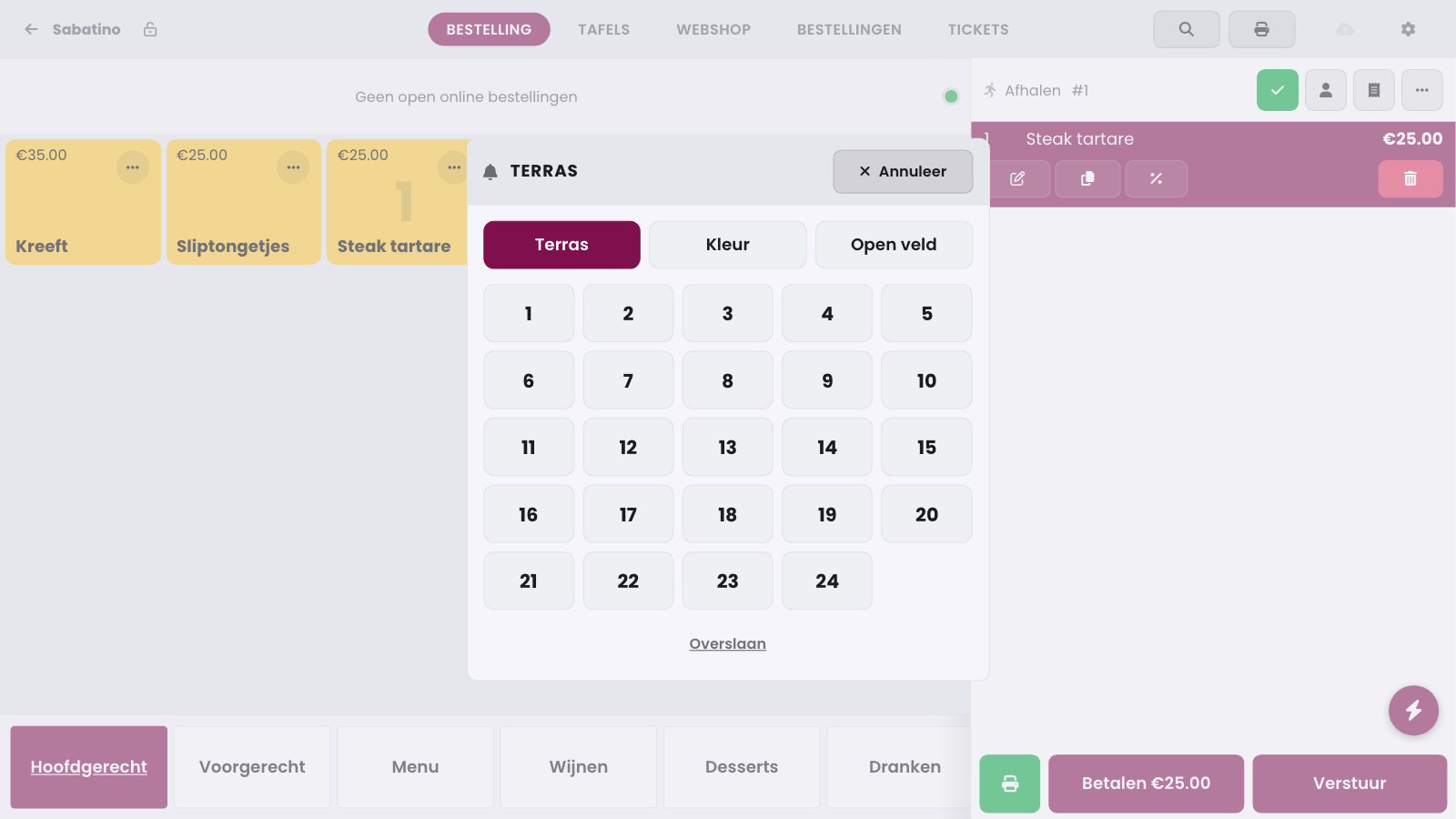
Tap Send or Pay.
Tap a tile. The sale continues right away.
Or open the Open field tab, type a name or number and tap Confirm.
Tap Skip to continue without a guest notifier. Tap Cancel to stay on the sale.
Changing or removing the buzzer#
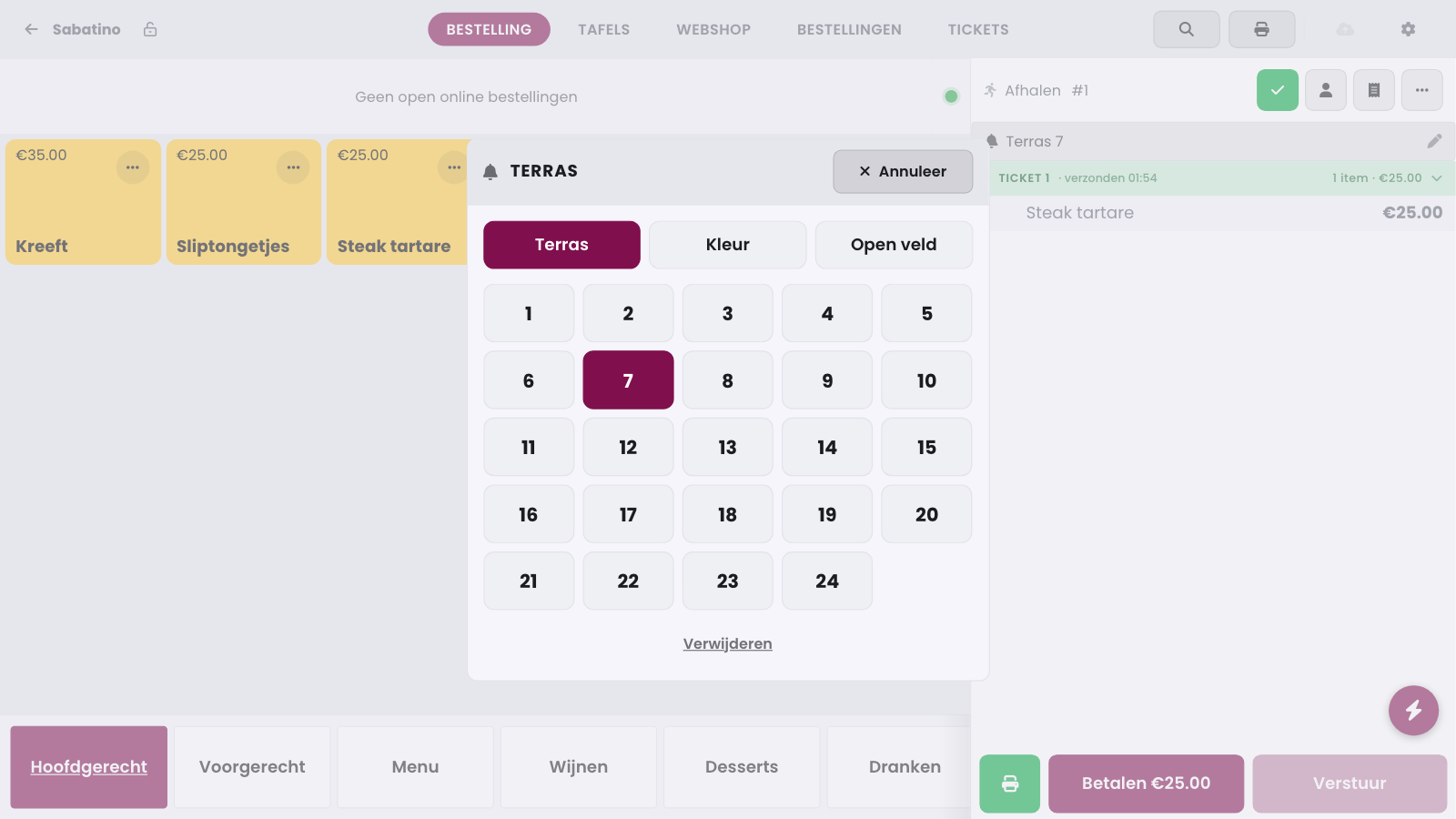
The chosen guest notifier shows in a bar above the sales buffer. Tap the bar to open the choice again. Tap another tile or type another name. Tap Remove to take the buzzer off.
Tip
The till shows In use on a buzzer that is still on a recent order of this till. You can pick that tile anyway, for example when you have two buzzers with the same number. Got the buzzer back? Press and hold the tile to release it.
Frequently asked questions
Does a webshop or kiosk order get a buzzer too?
No. That order already carries the customer's name in its reference. An extra guest notifier would show the name twice.
Do I have to release a buzzer myself?
No. When the kitchen display reports the order ready, the till releases the buzzer automatically. You can also release a buzzer by pressing and holding the tile.