Some settings apply to every webshop order, regardless of your time slots or delivery. You can find them all under Settings, Orders, General.
The ordering app#
Do you track your orders with the Unipage ordering app? Then switch on Use the ordering app (Gebruik de bestel app) on the General tab.
Ordering on site#
With Allow on-site orders (Bestellingen ter plaatse toelaten), you give your customers the option to eat in, as well as pickup and delivery.
Cancelling orders#
Switch on Orders can be cancelled (Bestellingen mogen worden geannuleerd) and your customer can cancel an order themselves up to the last order moment. Use this option with care: you may not want to allow a cancellation just before you start preparing.
Preparation time#
The preparation time is the average time it takes to get an order ready. Your customer is told when their order will be done, based on this time.
Does one product always need more time than your average preparation time? Think of a côte à l'os that needs 25 minutes to cook, or pasta with fresh tomato sauce that you make à la minute. Then set a different preparation time (afwijkende bereidingstijd) on the product page, see Product management. If an order contains such a product, the longest preparation time applies.
Service cost#
If you charge a fixed service cost per order, you set it here. With Service cost drops from next order amount (Service kost valt weg vanaf volgend bestelbedrag), you set the amount above which the cost drops automatically, for example free from 25 euros.
Good to know
For some businesses, the service cost is managed by Unipage and you can't change it yourself. Questions about this? Contact us.
Service percentage in the product prices#
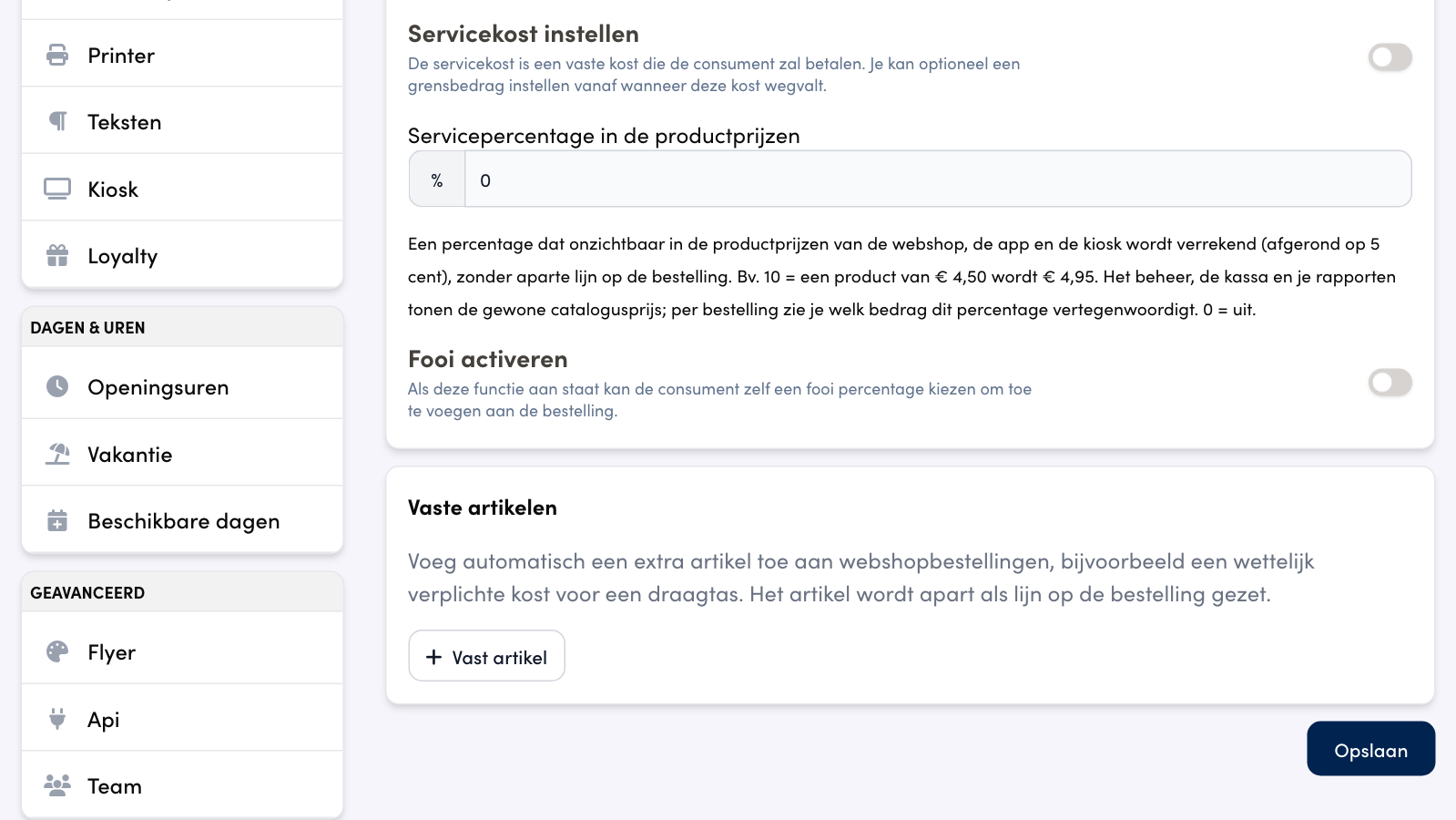
Besides a fixed service cost per order, you can build a percentage invisibly into your product prices. Every price in the webshop and the ordering app is then a bit higher, without a separate line on the order: the price on the product card is the price your customer pays.
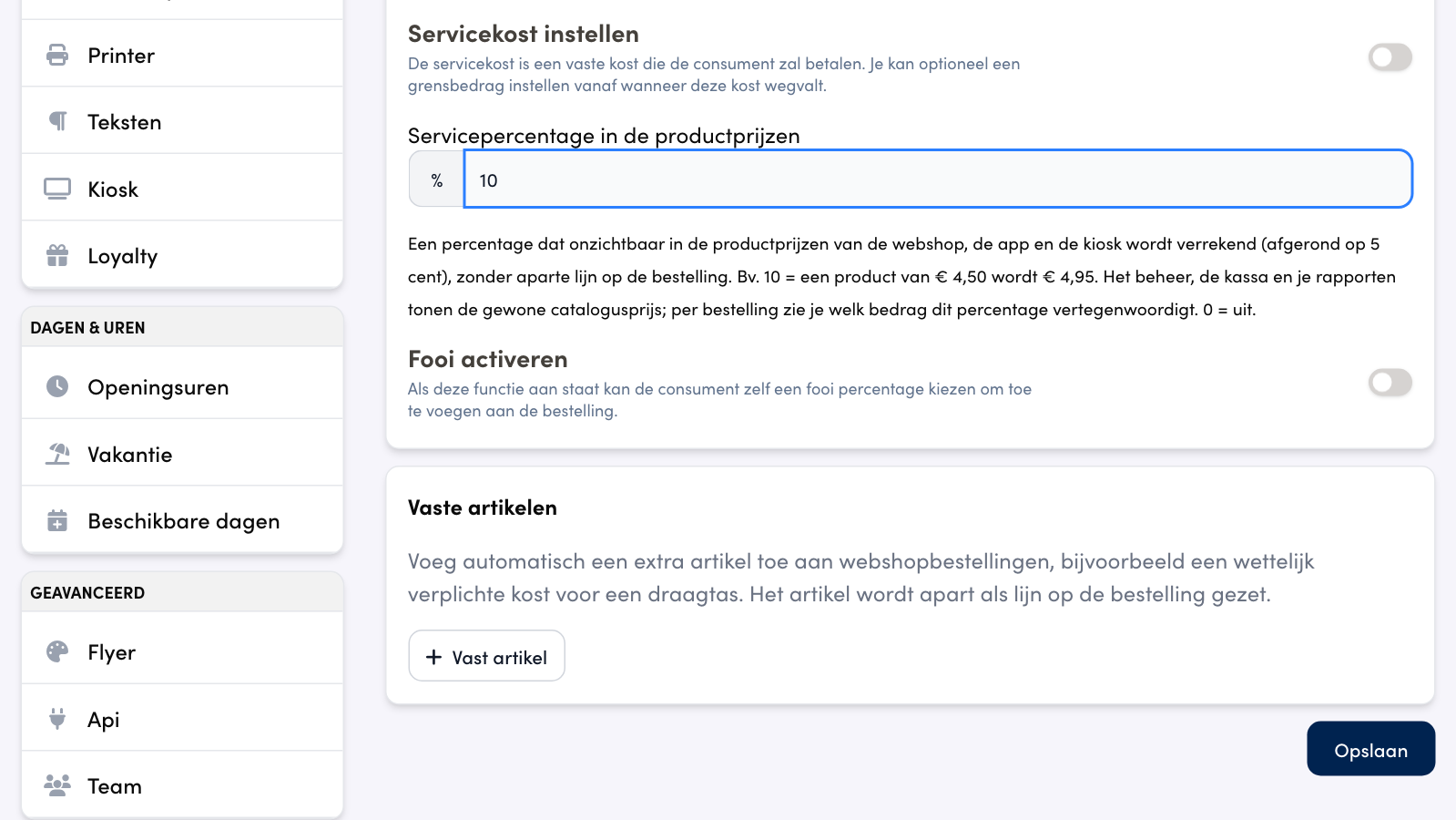
Your catalogue price stays unchanged: the back office, the POS and your reports work with the normal price. The higher price is rounded to 5 cents. At 10%, a product of 4.50 euro becomes 4.95 euro, and a pancake of 5 euro becomes 5.50 euro.
Setting it up#
In the back office, go to Settings and choose Orders.
In the Service cost & Tip card, enter a percentage in Servicepercentage in de productprijzen (service percentage in the product prices). 0 means off.
Click Save.
The percentage applies immediately to your whole range, including variations and products you add later.
What your customer sees#
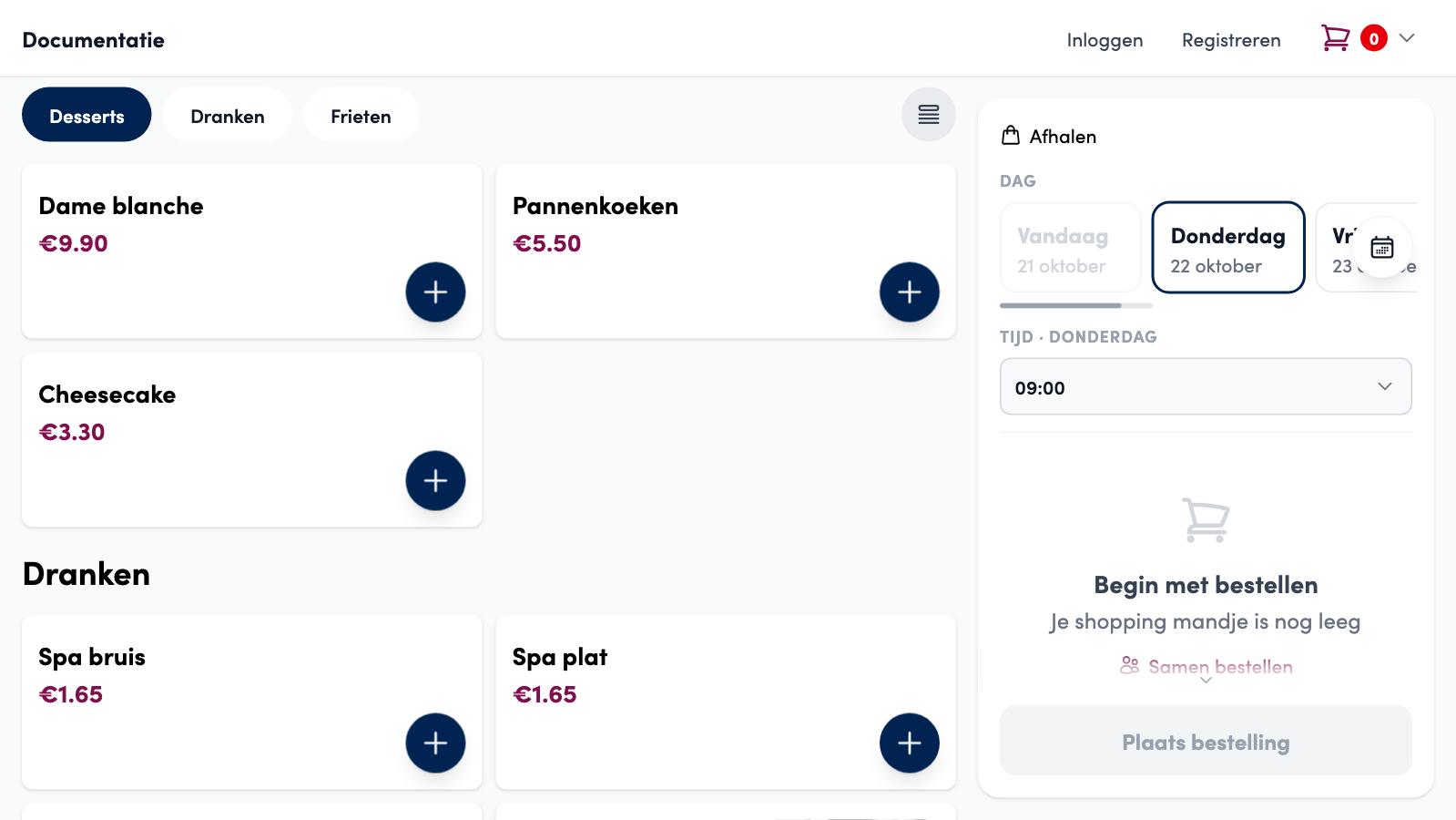
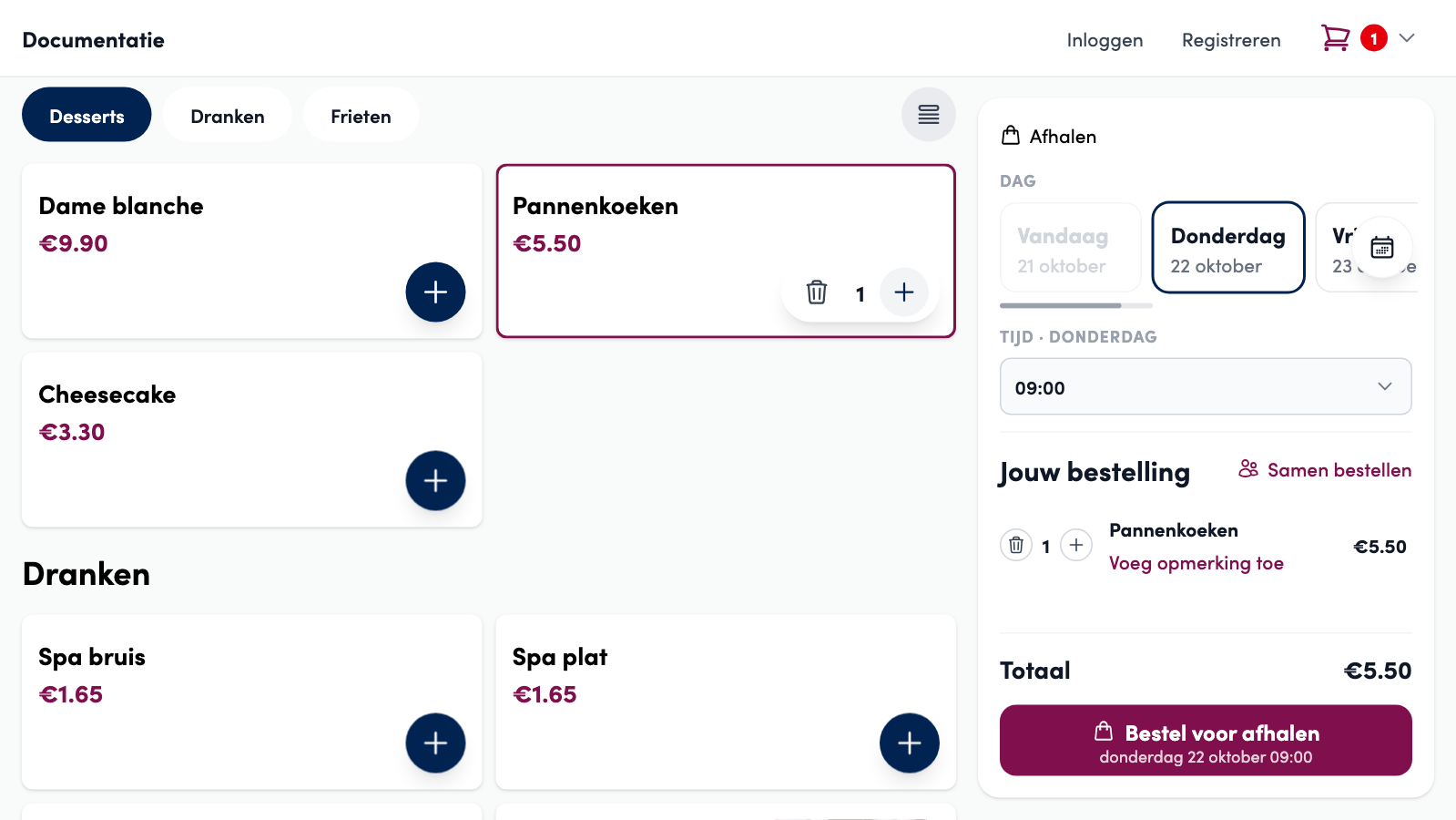
The webshop shows the higher price as the normal product price, on the product card and in the product window. The basket and the bill only show the total of the products.
Following up per order#
Want to know what amount the percentage represents in an order? Open the order under Orders: below the products is the line Waarvan servicepercentage in de productprijzen (of which service percentage in the product prices), with the percentage and the amount.

Warning
The POS sells at your catalogue price: the same product costs the normal price at the POS. The percentage applies to the webshop and the ordering app.
Good to know
The fixed service cost stays a separate line on the order, the percentage sits in the prices. You can use both together. Gift cards and customer wallet top-ups get no percentage: there the price is exactly the amount your customer receives.
Tip
Do you change the percentage while a customer already has a filled basket? Then the webshop shows the message Watch out! Prices changed and the customer confirms the new prices before ordering.
Tips#
Switch on Activate tips (Fooi activeren) and your customer can choose a tip percentage at checkout, which is added to the order.
Fixed items#
A fixed item is added automatically to every order, for example a carrier bag or packaging. You set the price, and you set up the item separately for Takeaway, Delivery and On site. This way, you can charge a packaging cost for delivery only, for example.
Communication with your customer#
You set who receives which emails, from confirmation emails to review notifications, on the Emails tab. Read all about it in Communication with your customer.
Frequently asked questions
Does my product price change in the back office?
No. Your catalogue price stays as it is, in the product overview and on the product sheet. Only the price your customer sees in the webshop and the ordering app is higher.
Does the percentage also apply to the delivery cost and the fixed service cost?
No, only to product prices and variation prices. The delivery cost and the fixed service cost stay the amounts you set yourself.
I cannot change the field.
If your service cost is managed by Unipage, you cannot change the percentage yourself, just like the fixed service cost. Use the contact form for questions.