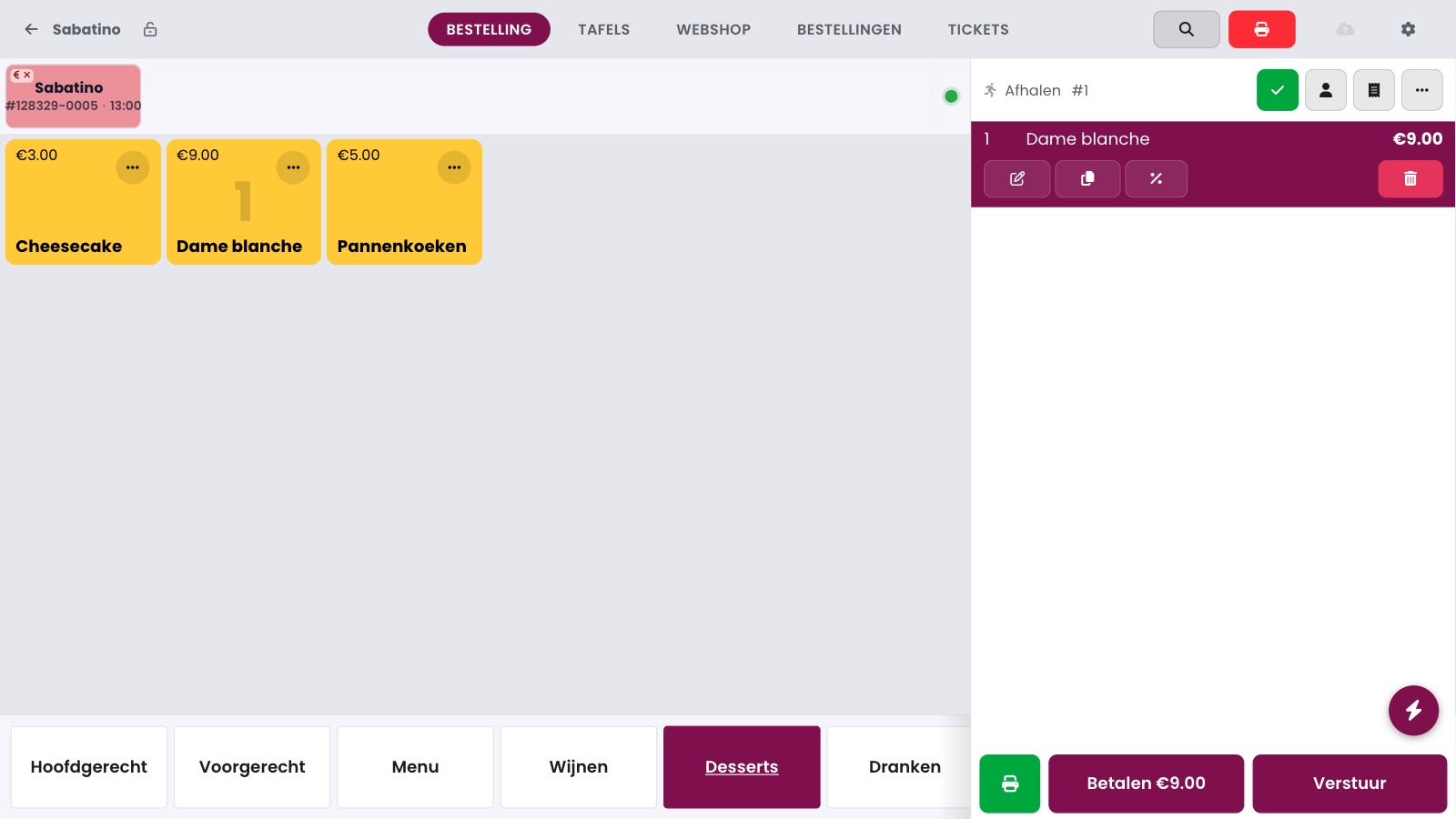
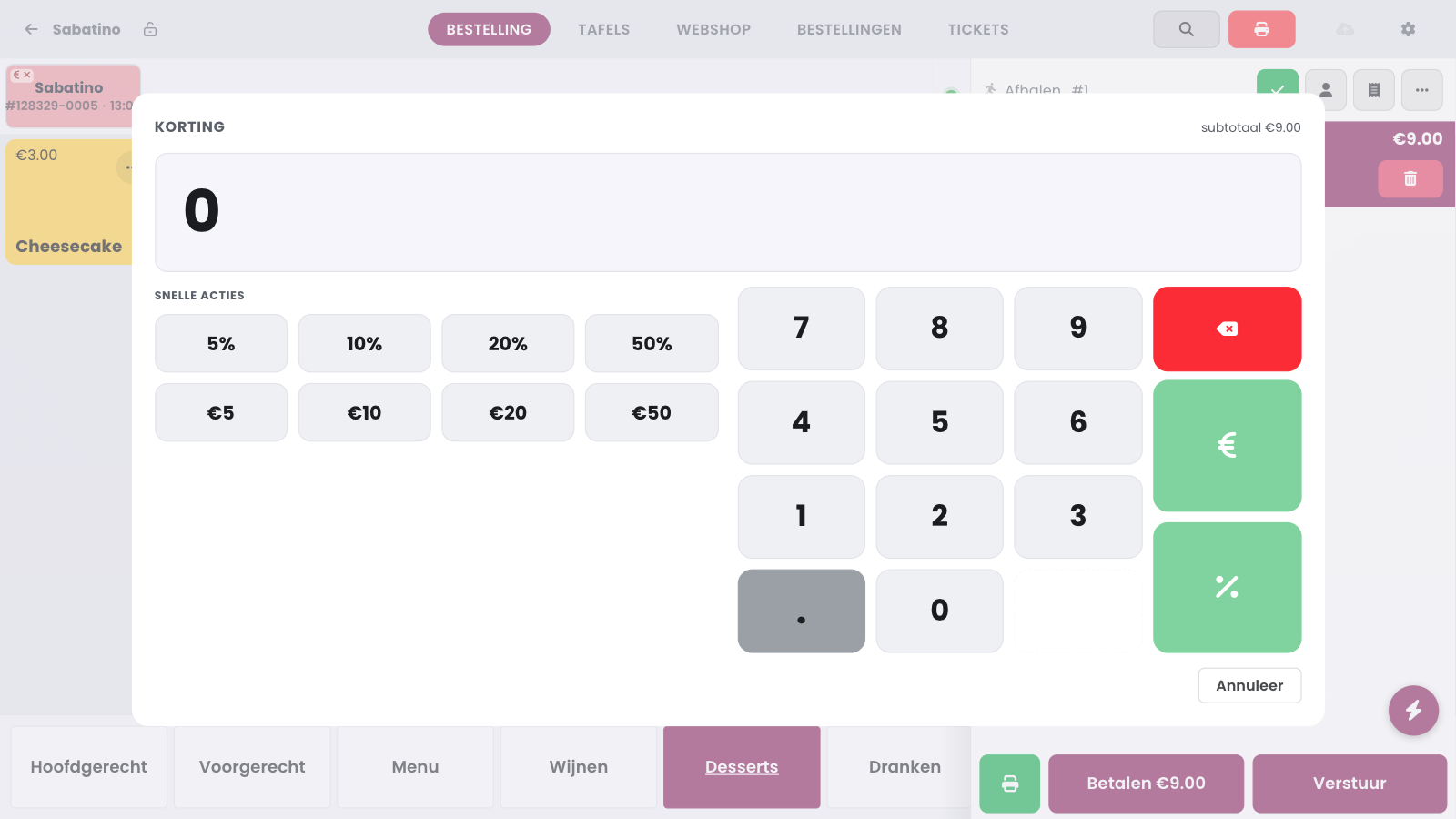
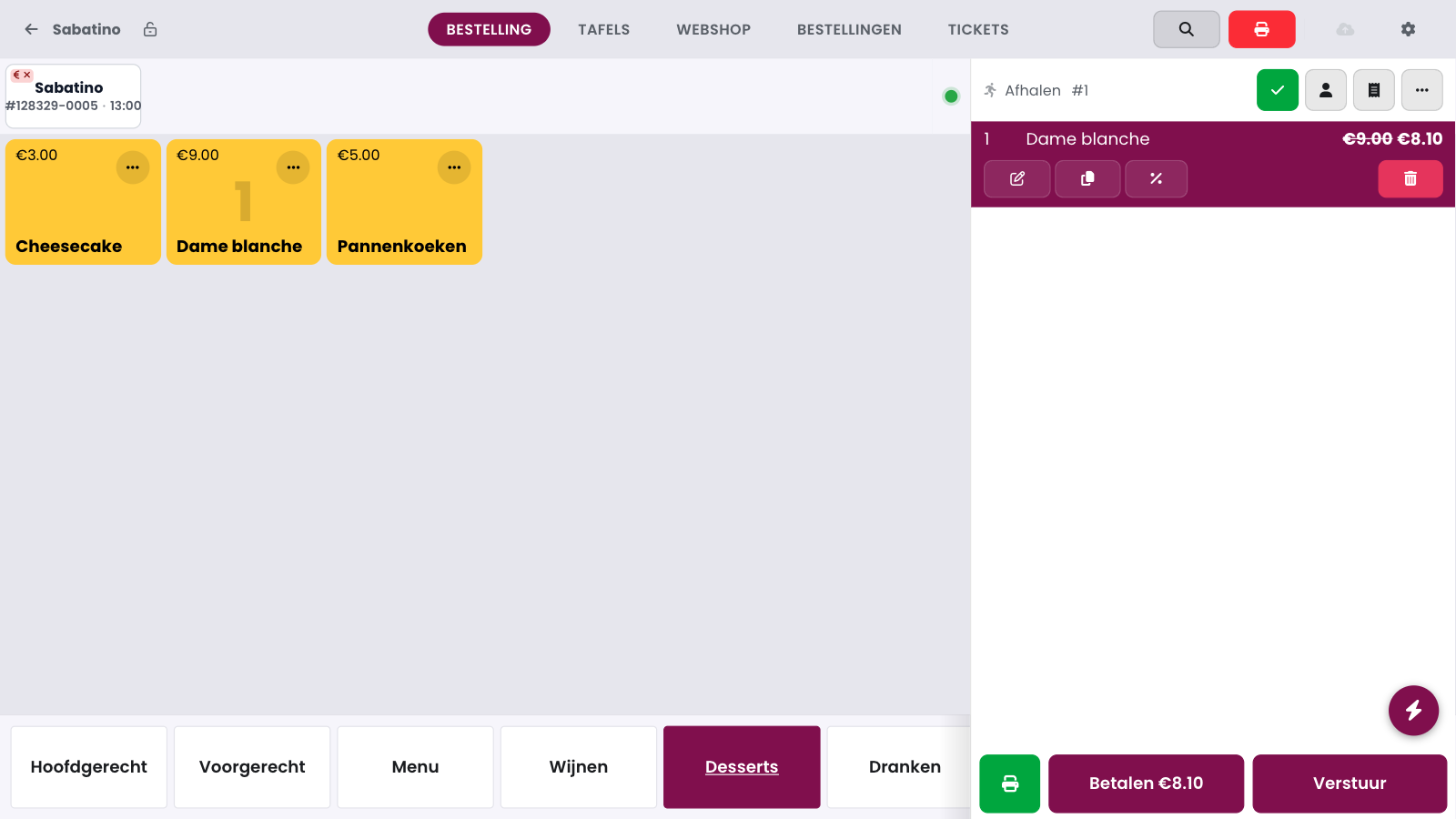
Select a line in the sales buffer and tap the discount button (the percent sign) to give a discount on that line. You can find the discount for the whole receipt under the three dots at the top of the sales buffer, under Discount (Korting). The discount window immediately shows the subtotal and the new total, so you can see what the customer actually pays.
Quick or custom#
Quick choices: 5, 10, 20 or 50 percent, or a fixed amount in euros, applied with one tap.
Custom discount: type an amount on the numeric keypad and confirm it as euros or as a percentage. A percentage can never be higher than 100.
Preset: you choose discounts with a fixed reason (for example for staff) with one tap. You set them up on the management page under POS Kortingen.
Who can give a discount?#
For each team member, you decide who can grant discounts with the permission Mag korting geven: see Managing cashiers.
Incidentally, you can technically also give a discount by changing the price of a product line directly: tap the three dots on the product tile and choose Apply price. That is why this option is also switched off for staff without this permission. If a product deliberately has no fixed price, such as a bag of sweets, use products with an open price: there, entering the price is the sale itself, and no discount permission is needed.
 Apply price